






MacOS Users drop out from Teams Meetings intermittently Issue
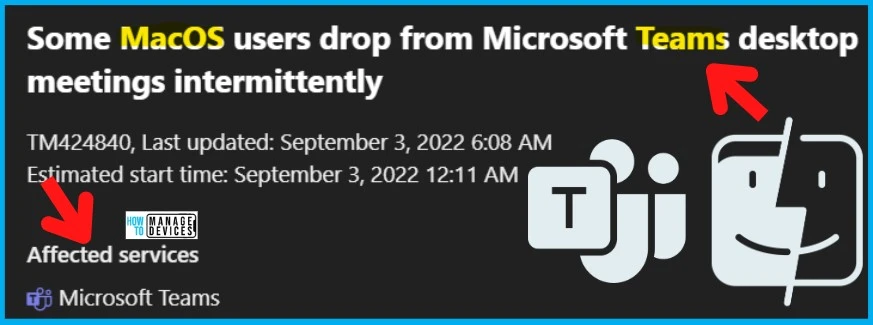
In this post, let’s discuss details on macOS users drop out from Teams Meetings intermittently Issue. On 3rd of September 2022, Microsoft flagged the issue of some MacOS users getting disconnected from Microsoft Teams desktop meetings intermittently.
Microsoft issued an advisory TM424840 where some MacOS users reported dropping out from Teams Meetings irregularly. Microsoft stated about the user impact that during Microsoft Teams desktop meetings, users may experience intermittent call drops.
Microsoft Teams is a proprietary business communication platform developed by Microsoft as part of the Microsoft 365 suite of products. Although this application is already in use, its benefits have increased multiple folds since the pandemic.
Update 2:30 AM UTC 8th Sept 2022 – TM424840 – A recent update to improve client rendering and telemetry handling introduced a Join button meeting code issue, resulting in conflicting commands and ultimately dropping users from meetings.

Update 2:50 PM UTC 7th Sept 2022: There is a new incident TM426942 [This issue is FIXED – false positive]- “Users are dropped from Microsoft Teams meetings after 15 seconds when joining from a specific device.” Any user joining Microsoft Teams meetings via a Poly 3PIP phone in Skype mode may be affected.
- Why are my Teams Messages Disappearing? MS Teams Graph API Windows 365 Provisioning Down
- MS Edge Browser Error AADSTS900411 Request Is Not Properly Formatted SharePoint Online Sites
It has been confirmed by Microsoft that in your organization, a small subset of macOS users may experience intermittent disconnections from Microsoft Teams desktop meetings as a result of this event. As of now, the only affected service because of this issue is Microsoft Teams on Mac Devices.
MacOS Users drop out from Teams Meetings intermittently Issue
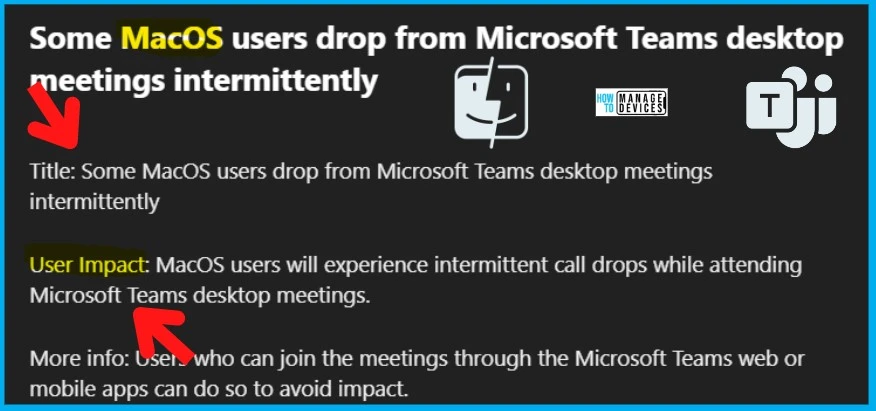
Microsoft flagged Mac Device users dropping out from Teams Meetings intermittently issue on September 3rd. The impact is only for macOS device users. Some of them might experience intermittent call drops during Microsoft Teams desktop meetings.
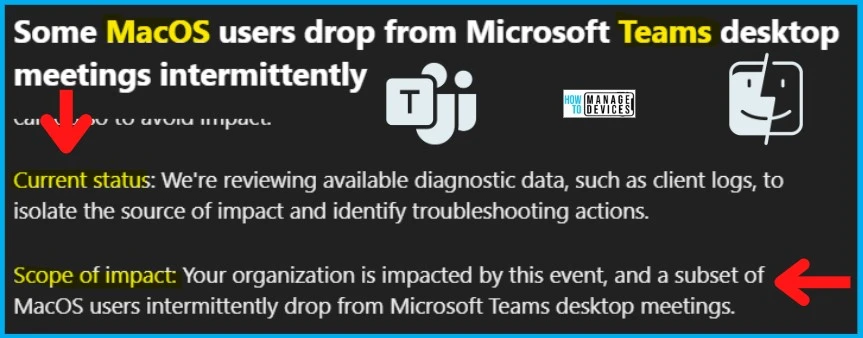
Also, regarding the scope of impact, Microsoft stated that the issue affects a subset of MacOS users who are intermittently unable to join desktop meetings in Microsoft Teams.
Coming to the Current status, as part of Microsoft’s ongoing troubleshooting efforts, they are reviewing diagnostic data, such as client logs, to isolate the cause and identify the appropriate troubleshooting measures.
- Impacted Service -> MS Teams
FIX: User getting disconnected from Teams Meetings intermittently
This issue of Mac Device users getting dropped out from Teams Meetings intermittently is still unresolved, and Microsoft is working on it. Let’s look at the series of information published by Microsoft so far.
Also, Microsoft reported that service status as Service Degradation. Microsoft also stated that to avoid impact; users can participate through the Microsoft Teams web app or mobile app.
| User Impact | Current Status | Scope Of Impact | Root Cause | Impacted Services |
|---|---|---|---|---|
| Attending Microsoft Teams desktop meetings may result in intermittent call drops for MacOS users. | As we review diagnostic data, such as client logs, we identify and troubleshoot problems. | An intermittent drop in Microsoft Teams desktop meetings is caused by this event for a subset of MacOS users. | Still figuring it out. | MS Teams |
The problem is still unsolved, and Microsoft is working on it. As of now, they will be able to provide the next update on this issue before 6th Sept 2022, 9:00 PM UTC.
Author
Abhinav Rana is working as an SCCM Admin. He loves to help the community by sharing his knowledge. He is a BTech graduate in Information Technology.




Is there a fix for this . Has this issue been resolved.
the same Q as Rajesh asked: Has this issue been resolved? & if it has been then how?
StaffYes this was resolved. The alert # mentioned in the post is closed long back. Snippet of the alert closer note is given below.
Root cause: A recent update to improve client rendering and telemetry handling introduced a Join button meeting code issue, resulting in conflicting commands and ultimately dropping users from meetings.
Next steps: We’re reviewing our Microsoft Teams desktop client update procedures pertaining to meeting join functionality to prevent similar impact in the future.
This is the final update for this event.