Skip to content
Microsoft Introduces Single Microsoft Teams Desktop App for Personal and Work

Microsoft Introduces Single Microsoft Teams Desktop App for Personal and Work

Written By Gopika S Nair
Last Updated March 20, 2024
Posted In Teams
SHARE

Exciting News for Teams users! Microsoft Introduces Single Microsoft Teams Desktop App for Personal and Work. It will begin to roll out the Single Microsoft Teams Desktop App for Personal and Work in April 2024 for users.

Microsoft Teams is a popular messaging and collaboration application. It is part of the Microsoft 365 family of products. Microsoft always brings innovative features for Teams users; this time, they introduced the greatest feature.

We all know that Microsoft Teams is available as a single application. This new feature enables users to seamlessly switch between multiple cloud environments, tenants, and account types across work, school, and personal.

This feature is currently available for both Windows and Mac. With this update, you can use the Microsoft Teams app for all kinds of Teams Accounts. This blog post will give you more information about Microsoft introducing a Single Microsoft Teams Desktop App for Personal and Work use.

Patch My PC
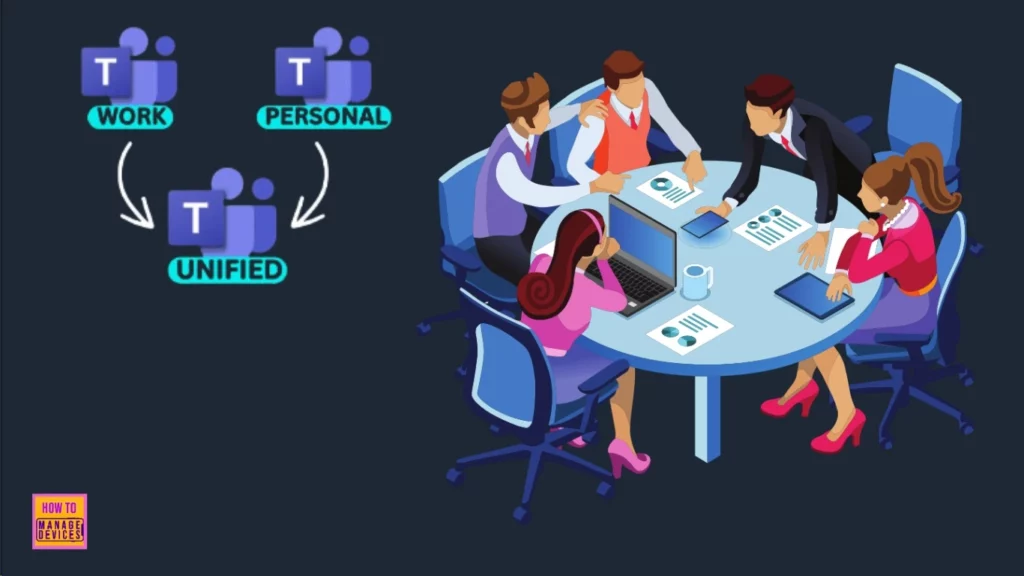
Microsoft Introduces a Single Microsoft Teams Desktop App for Personal and Work - Fig.1
Microsoft Introduces a Single Microsoft Teams Desktop App for Personal and Work – Fig.1

Microsoft Introduces Single Microsoft Teams Desktop App for Personal and Work

The Single Microsoft Teams Desktop App for Personal and Work is consistent with feedback from both personal and work users. Finally, this feature will be available soon. This feature allows users to easily switch between personal and work accounts.
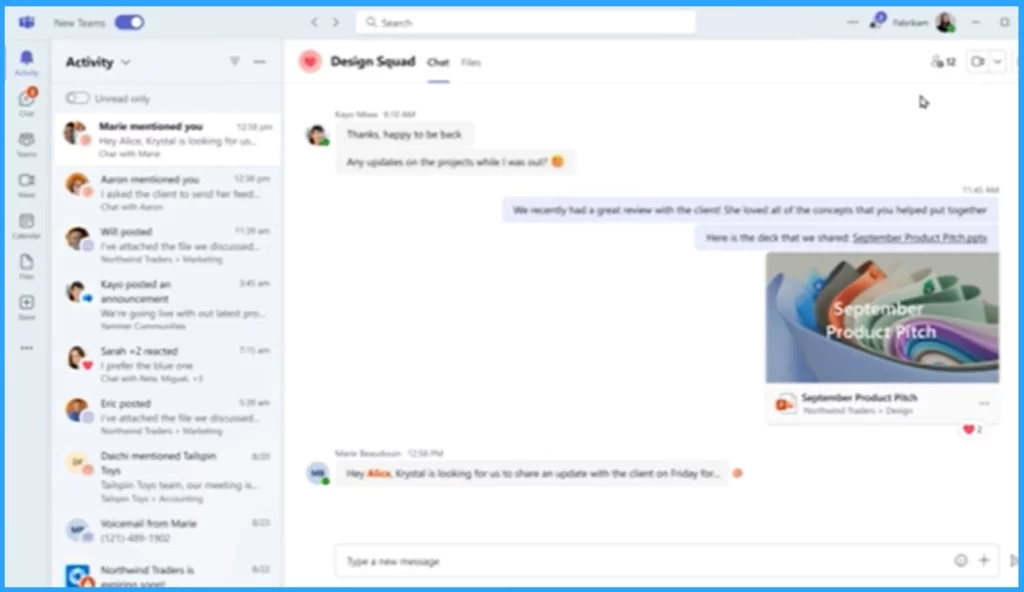
Microsoft Introduces a Single Microsoft Teams Desktop App for Personal and Work - Fig.2 - Creds to Ali Tajran
Microsoft Introduces a Single Microsoft Teams Desktop App for Personal and Work – Fig.2 – Creds to Ali Tajran

Users can easily add additional accounts with this new feature. For this select your profile picture at the upper right corner of Teams when you sign into Teams. It also allows you to join the meeting by selecting the account you want to use. You will also be able to join a meeting without signing in.

Features of Single Microsoft Teams Desktop App for Personal and Work
It allows access to additional accounts
Helps to select different accounts you want to use for meetings
It allows you to join a meeting without signing in
It gives personal notifications have more details
It gives clear and easy actions from the notification banner
Microsoft Introduces a Single Microsoft Teams Desktop App for Personal and Work – Table.1
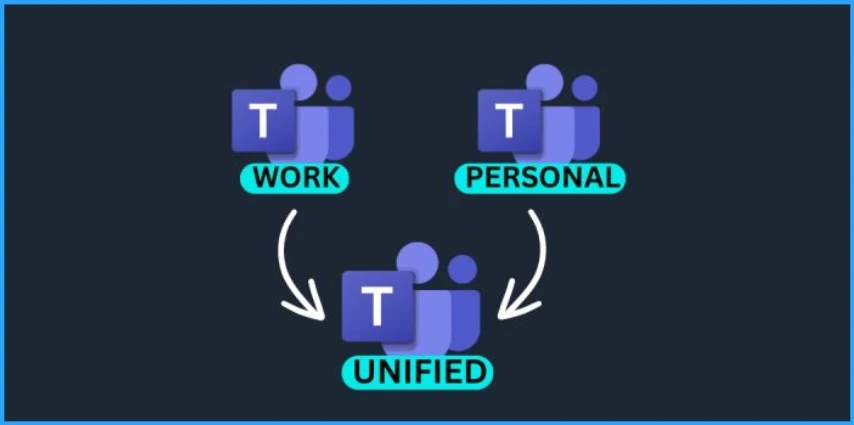
Microsoft Introduces a Single Microsoft Teams Desktop App for Personal and Work - Fig.2 - Creds to MS
Microsoft Introduces a Single Microsoft Teams Desktop App for Personal and Work – Fig.2 – Creds to MS

We are on WhatsApp. To get the latest step-by-step guides and news updates, Join our Channel. Click here –HTMD WhatsApp.

Author

Gopika S Nair is a computer enthusiast. She loves writing on Windows 11 and related technologies. She is here to share quick tips and tricks with Windows 11 or Windows 10 users. She is Post Graduate Diploma Holder in Computer Science.


Written by

Gopika S Nair is a computer enthusiast. She loves writing on Windows 11 and related technologies. She is here to share quick tips and tricks with Windows 11 or Windows 10 users. She is Post Graduate Diploma Holder in Computers Science.

Discussion

Join the discussion

Your email address will not be published. Required fields are marked *

Related guides

Android

Microsoft Teams on Android to Support Third-Party Meetings with SIP Integration

Key Takeaways Microsoft Teams on Android to Support Third-Party Meetings with SIP Integration! Microsoft is improving cross-platform communication by enabling Microsoft Teams users on Android devices to join third-party meetings using Session Initiation Protocol (SIP). Recently added to the Microsoft 365 roadmap, this upcoming feature helps organizations connect different communication platforms more easily. Microsoft Teams […]

AC Anoop C Nair 4 min read
Teams

Microsoft Teams Meeting Join Failure After Microsoft Edge Update Disrupts Users

Key Takeaways Microsoft is investigating an issue where some users can’t join Microsoft Teams meetings on Windows devices. The problem started after a recent update to Microsoft Edge. Because of this, users are unable to join meetings through links or scheduled invites, which is affecting normal communication and work. Microsoft Teams Meeting Join Failure After […]

AC Anoop C Nair 3 min read
Teams

Microsoft Confirms Right-Click Paste Issue in Teams and Desktop Apps after Microsoft Edge Update

Key Takeaways In this post, we are discussing Microsoft Confirms Right-Click Paste Issue in Teams and Desktop Apps after Microsoft Edge Update. Recently, Microsoft Teams users started facing an unusual issue where the right-click paste option stopped working in chats. The problem appeared suddenly across both Windows and macOS devices, affecting daily communication workflows. Microsoft […]

AC Anoop C Nair 4 min read
Teams

Biggest MS Teams Features with Agentic AI planned for 2026

Today we are discussing Biggest MS Teams Features with Agentic AI planned for 2026. Smarter Workflows with the New Teams and Copilot Experience, which were announced through the recent Ignite sessions. These new updates are designed to help everyone work faster and reduce time spent on repetitive tasks. With AI built directly into Teams, it […]

AC Anoop C Nair 5 min read