






As we reported on 18th March with YouTube shorts, you can Download PowerShell Scripts to Update WinRE on Windows to fix Bitlocker Vulnerability CVE-2022-41099. Microsoft has recently unveiled a new script to Update Windows OS images to fix Bitlocker Vulnerabilities.
There are 2 scripts that Microsoft released, one is PatchWinREScript_2004plus.ps1, and the other one is PatchWinREScript_General.ps1. In the context of computer security, a vulnerability is a weakness or flaw in a system or application. An attacker can exploit it to compromise the confidentiality, integrity, or availability of the system or data.
WinRE (Windows Recovery Environment) is a crucial Windows operating system component that helps users recover their system in case of critical errors or issues. A successful attacker could bypass the BitLocker Device Encryption feature on the system storage device.
As part of that vulnerability, You need to update the images on the running OS. So this script would be able to help you with updating WinRE from the running operating system. An attacker with physical access to the target could exploit this vulnerability to access encrypted data.

Type of WinRE Powershell Scripts
There are 2 scripts that Microsoft released that can help you automate updating the Windows Recovery Environment (WinRE) on deployed devices to address the security vulnerabilities in CVE-2022-41099.
The first script is PatchWinREScript_2004plus.ps1 and the other is PatchWinREScript_General.ps1. Microsoft recommends using the PatchWinREScript_2004plus script.
- PatchWinREScript_2004plus.ps1
- PatchWinREScript_General.ps1
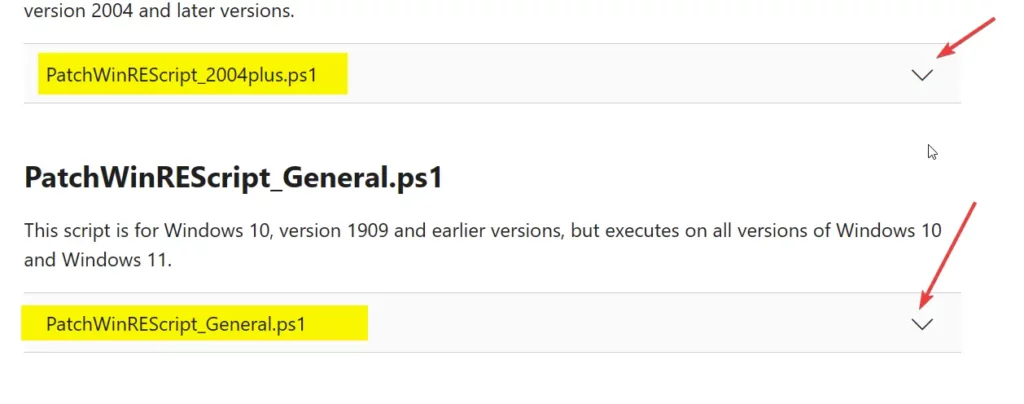
1. PatchWinREScript_2004plus script
This script suits Windows 10, version 2004, and later versions, including Windows 11. The following PS script PatchWinREScript_2004plus.ps1 offers users a convenient and efficient way to keep their WinRE up-to-date without having to go through the hassle of booting up their Windows OS.
Using this script, users can easily ensure that their WinRE is functioning properly and ready to be used in case of any system issues or errors.
DOWNLOAD Scripts -> KB5025175: Updating the WinRE partition on deployed devices to address security vulnerabilities in CVE-2022-41099 – Microsoft Support
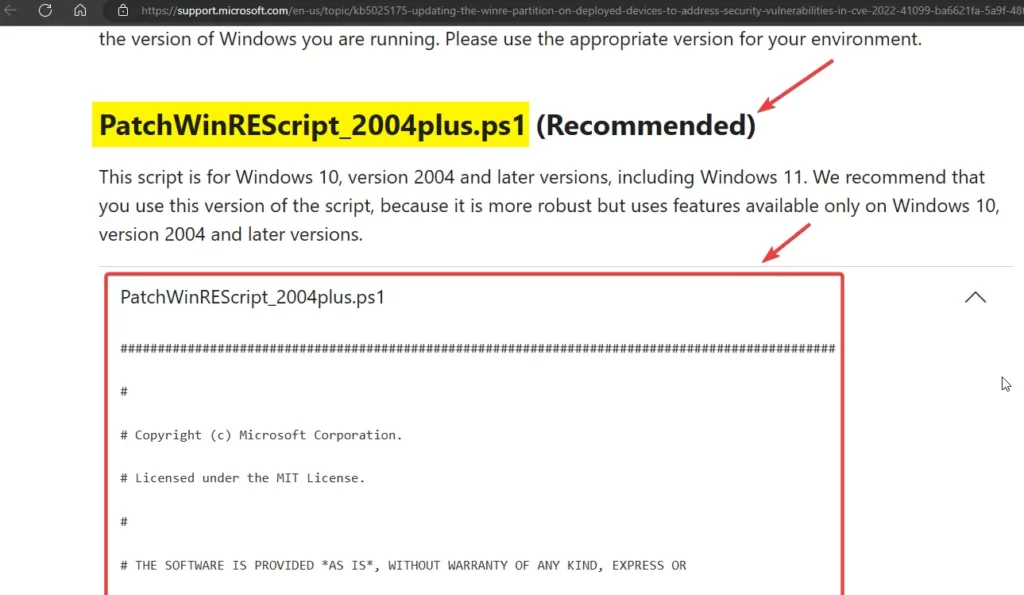
More Details on PowerShell Script to Update WinRE
With the device started into the running version of Windows installed on the device, the script will perform the following steps as explained by Microsoft.
- Mount the existing WinRE image (WINRE.WIM).
- Update the WinRE image with the specified Safe OS Dynamic Update (Compatibility Update) package from the Windows Update Catalog. We recommend that you use the latest Safe OS Dynamic Update available for the version of Windows installed on the device.
- Unmount the WinRE image.
- If the BitLocker TPM protector is present, reconfigure WinRE for BitLocker service.
As per Microsoft KB – This step is not present in most third-party scripts for applying updates to the WinRE image.
Author
About Author – Vidya is a computer enthusiast. She is here to share quick tips and tricks with Windows 11 or Windows 10 users. She is also keen to find solutions to day-to-day tech problems and write about them.




Discussion