






Stop using Remote Desktop App for Windows 365 Cloud PCs
Let’s discuss Stop using Remote Desktop App for Windows 365 Cloud PCs. Microsoft going to end the support of Remote Desktop app for Windows from the Microsoft Store. After this users cannot install and download it from Store.
The new transition on Remote Desktop App for Windows 365 from Store is begins on May 27, 2025. Remember that, this change applies only to the Windows App replacement of the Remote Desktop app downloaded from the Microsoft Store.
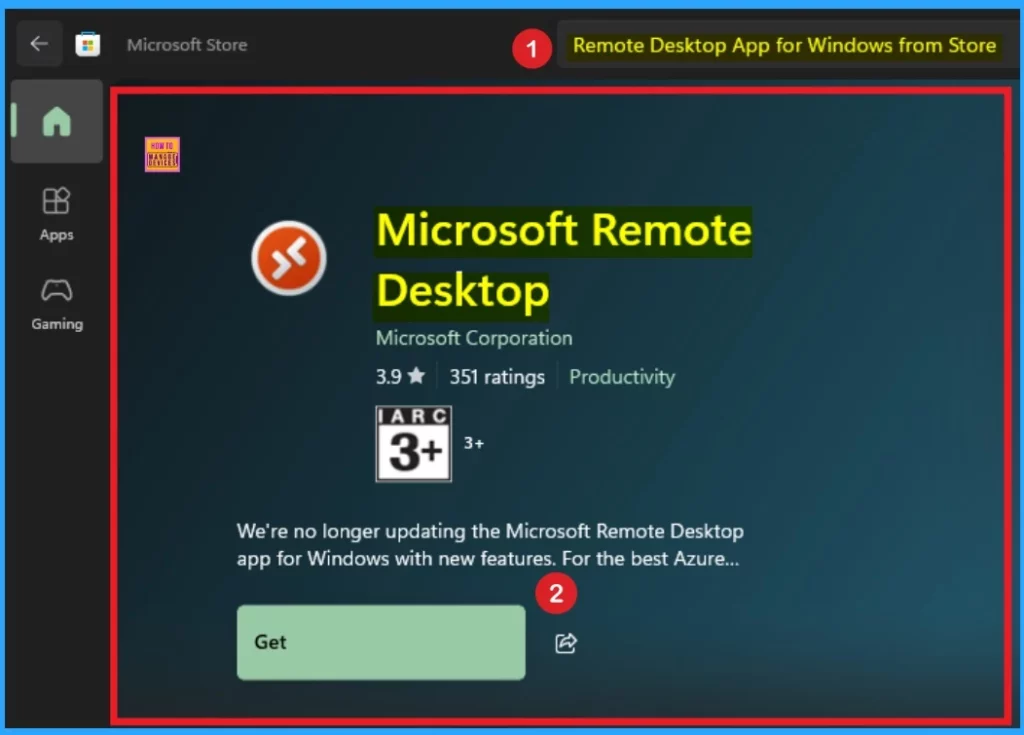
The Remote Desktop app for Windows 365 from the Microsoft Store is designed for users to remotely access and control their Windows PCs or virtual desktops. Due to the transition, Users are encouraged to transition to the Windows App.
By switching to the Windows app, you can ensure continued access to Windows 365, Azure Virtual Desktop, and Microsoft Dev Box. In this blog post i am going to share more infromations about End of Supporting Remote Desktop App for Windows from Store.

Table of Contents
Stop using Remote Desktop App for Windows 365 Cloud PCs
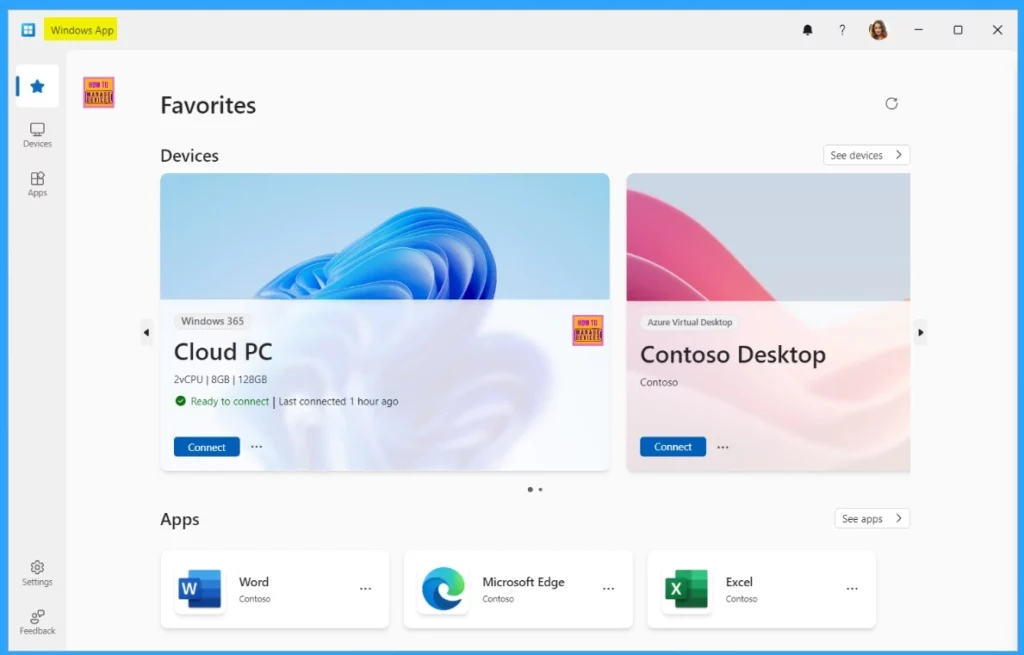
As mentioned above, the transition begins on May 27, 2025. You must be prepared for this transition before this date to avoid issues with remote work experiences. By using the Windows App, you have many advantages. The table below shows several improvements over the Remote Desktop app for Windows.
| Improvement |
|---|
| Unified access to multiple Windows services, including Cloud PCs and virtual desktops, from a single, streamlined interface. |
| Customizable home screens, multimonitor support, and dynamic display resolutions. |
- New Windows App available in iOS MacOS iPadOS Android Devices
- Automatic Enroll Windows 365 Business Cloud PC in Intune
- Bulk Install Windows Apps in Intune Company Portal
Features of Enhanced Remote Experience
There are some features available on the remote Desktop to enhance the experience. It includes device redirection, Microsoft Teams optimizations, and easy account switching. These few features are the most important advantage of remote Desktop App for Windows.
Note : Connections to Windows 365, Azure Virtual Desktop, and Microsoft Dev Box via the Remote Desktop app from the Microsoft Store will be blocked after May 27, 2025. For all other users, the Remote Desktop app will no longer be supported.
Preparations Needed for Transition in Users
Before begin the transition, Windows 365, Azure Virtual Desktop, and Microsoft Dev Box users prepare for the transition. To get started the transition, Review the get started guide for more information on each platform. Windows App can be downloaded from the Microsoft Store or directly from What’s new in Windows App. The below table shows other preparations for the transition.
| Important Points | Details |
|---|---|
| Remote Desktop Users | Users connecting to remote desktops from the Remote Desktop app should use Remote Desktop Connection until support for this connection type is available in Windows App. |
| Remote Desktop Services Users | Users connecting to Remote Desktop Services from the Remote Desktop app should use RemoteApp and Desktop Connection until support for this connection type is available in Windows App. |
| Review Known Issues | To understand if there are current feature gaps that may create challenges for migrating to Windows App, review Known issues and limitations of Windows App. Be sure to check this list over time as the feature gaps will be resolved. |
| Uninstall the Remote Desktop App | For uninstallation methods that align with how you manage your apps, visit our Uninstall your apps and Remove Apps documentation. |
Need Further Assistance or Have Technical Questions?
Join the LinkedIn Page and Telegram group to get the latest step-by-step guides and news updates. Join our Meetup Page to participate in User group meetings. Also, Join the WhatsApp Community to get the latest news on Microsoft Technologies. We are there on Reddit as well.
Resource
Windows App to replace Remote Desktop app for Windows
Author
Anoop C Nair has been Microsoft MVP from 2015 onwards for 10 consecutive years! He is a Workplace Solution Architect with more than 22+ years of experience in Workplace technologies. He is also a Blogger, Speaker, and Local User Group Community leader. His primary focus is on Device Management technologies like SCCM and Intune. He writes about technologies like Intune, SCCM, Windows, Cloud PC, Windows, Entra, Microsoft Security, Career, etc.




Discussion