






Cireson launched 14 new Remote Management apps for part of the existing Service Management Stream. Cireson Service Management extends the Microsoft Service Manager Console with these must-have Analyst and Administrator apps.
Remote Management apps are modern, web-based, user and device management tools that allow Analysts to maximize productivity further, deliver faster problem resolution and increase end-user satisfaction.
These 14 remote management apps from cireson further streamline customer support by providing valuable insights into users, devices, processes, and deployments and enable you to gain control by performing remote troubleshooting actions.
This remote app includes nine (9) device management and five (5) user management tools to improve the productivity of your business.
- 9 Device Management Apps
- 5 User Management Apps
Table of Contents
Webinar Demo – 14 New Remote Management Apps
Learn more about new remote management apps for the Cireson Analyst Portal from the demi-filled webinar. Cireson is offering a two-part webinar (in 3 regions) in November about these apps, including deep-dive demos.
Registration is here: http://go2.cireson.com/af2?LinkID=CH00096971eR00000253AD.
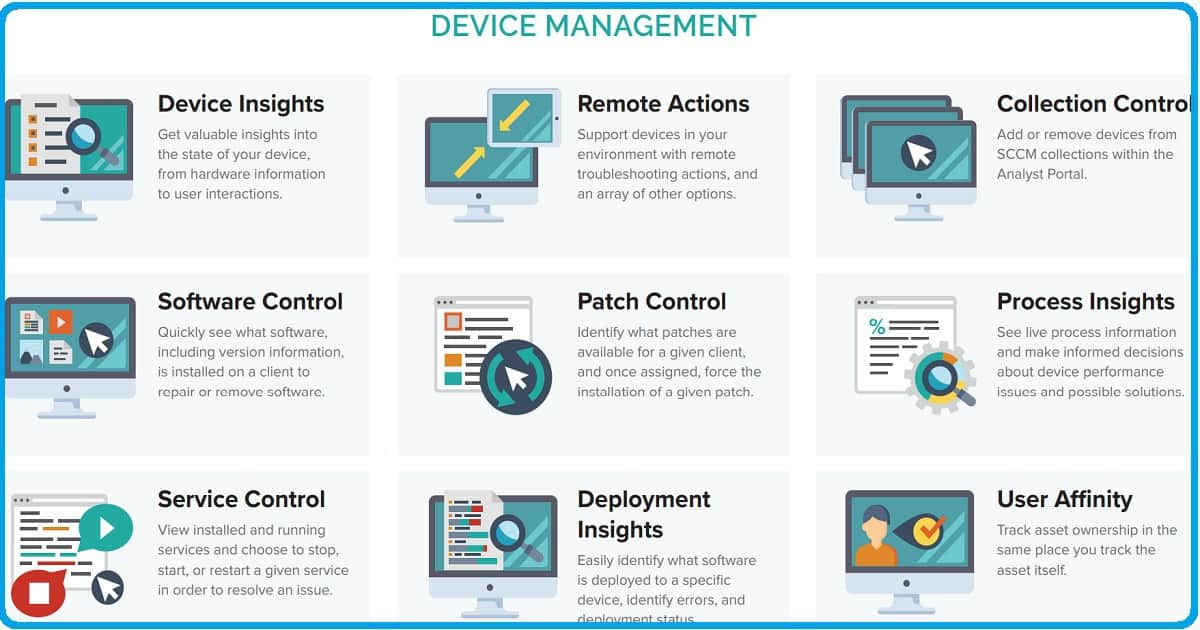
DEVICE MANAGEMENT
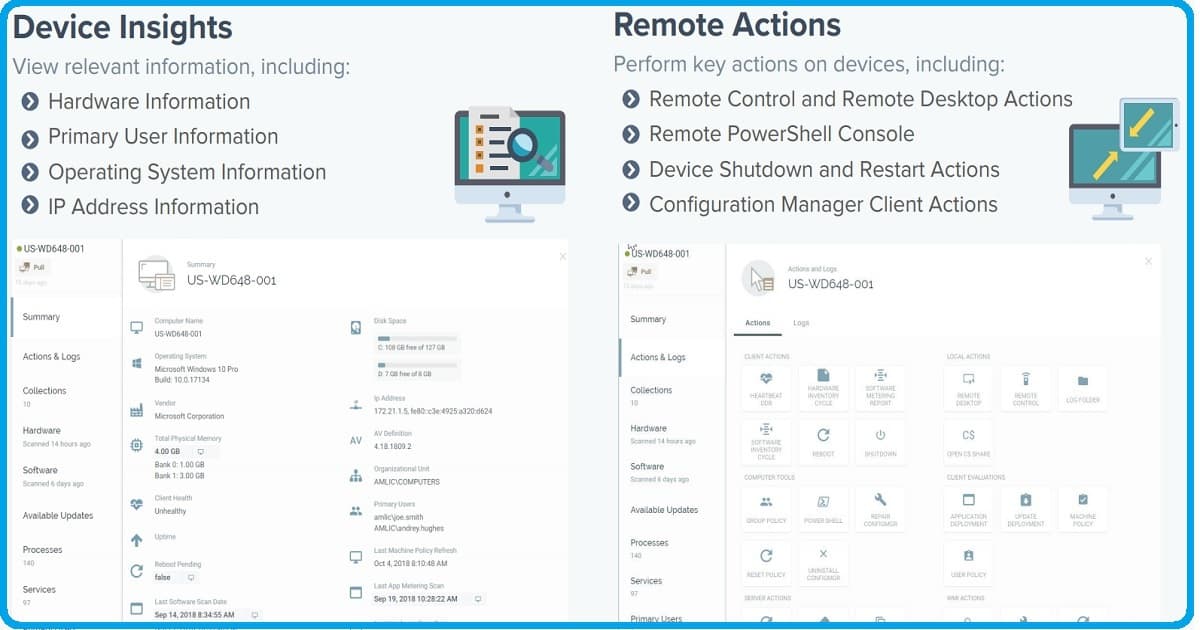
- Device Insights – Get valuable insights into the state of your device, from hardware information to user interactions.
- Remote Actions – Support devices in your environment with remote troubleshooting actions and various other options.
- Collection Control – Add or remove devices from SCCM collections within the Analyst Portal.
- Software Control – Quickly see what software, including version information, is installed on a client to repair or remove the software.
- Patch Control – Identify what patches are available for a given client and, once assigned, force the installation of a given patch.
- Process Insights -See live process information and make informed decisions about device performance issues and possible solutions.
- Service Control – View installed and running services and choose to stop, start, or restart a given service to resolve an issue.
- Deployment Insights – Easily identify what software is deployed to a specific device and identify errors and deployment status.
- User Affinity – Track asset ownership where you track the asset itself.
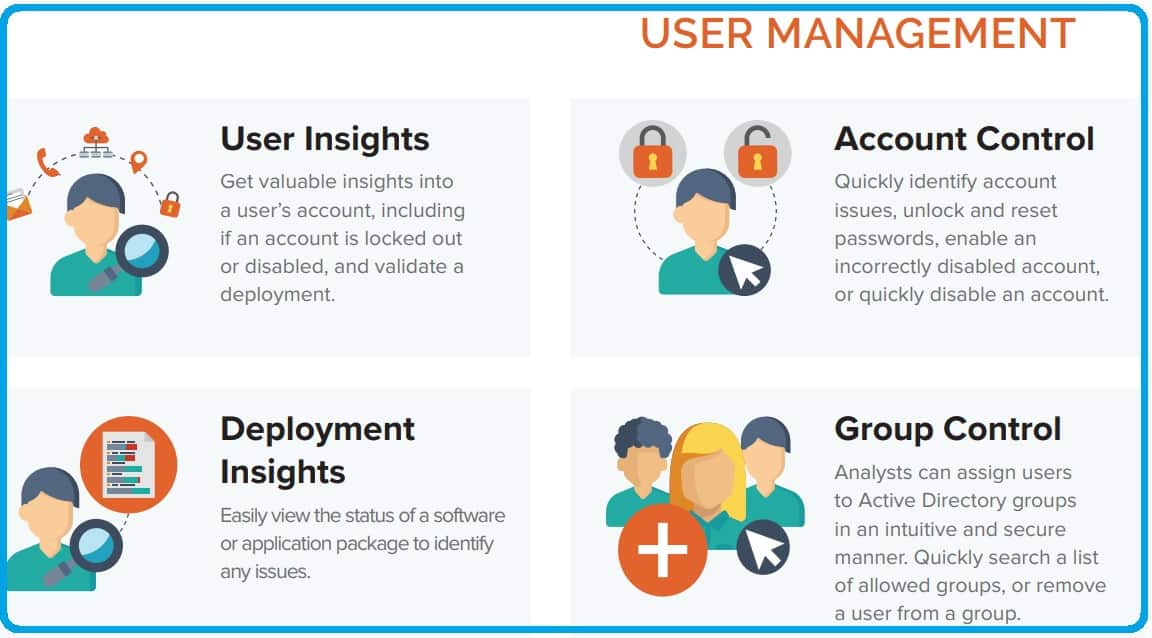
USER MANAGEMENT
- User Insights—Gain valuable insights into a user’s account, including whether it is locked out or disabled, and validate a deployment.
- Account Control – Quickly identify account issues, unlock and reset passwords, enable an incorrectly disabled account, or quickly disable an account.
- Device Affinity – See what devices are assigned to the user and activate Device Management functionality from the device list.
- Deployment Insights – Easily view the status of a software or application package to identify any issues.
- Group Control – Analysts can assign users to Active Directory groups intuitively and securely. Quickly search a list of allowed groups, or remove a user from a group.
Resource
We are on WhatsApp. To get the latest step-by-step guides and news updates, Join our Channel. Click here –HTMD WhatsApp.
Author
Admin


Discussion