






SCCM Run Commands Pro Tips | Windows Shortcuts | ConfigMgr
A .cpl file represents each tool or applet in the Control Panel. We can launch these tools either using.CPL file name from command prompt or commands similar to control /name <Name Of the Applet>. More details on SCCM Shortcut Commands Pro Tips.
Introduction—To launch the Windows update applet from the command prompt, use the “control /name Microsoft.WindowsUpdate” command. For more details, see SCCM Shortcut Commands and more Windows.
This post will list CPL files and commands to launch control panel tools or applets directly (SCCM Shortcut Commands). These commands. CPL files can be used for Windows 7 and Windows 8.1 operating systems.
This list could be handy if you want to use it for scripting. These command-line options are beneficial for automating ConfigMgr / SCCM scripts or Group policies.

- Related Post – Windows Key Shortcut A to Z Keyboard Shortcuts in Windows 10
- 19 More Useful System Settings Run Commands for Windows
- Best 15 Accessibility Settings Run Commands for Windows
- Run Commands for Windows Update and Other Settings
| Index |
|---|
| SCCM Shortcuts (ConfigMgr Shortcut Commands) |
| Windows Commands |
SCCM Shortcuts (ConfigMgr Shortcut Commands)
Control smscfgrc – Command Line Shortcut to launch Configuration Manager SCCM Control Panel Applet. Control SMSRAP – Command Line Shortcut to Launch Configuration Manager SCCM Run Advertised Programs (RAP) Canonical names of SCCM RAP.
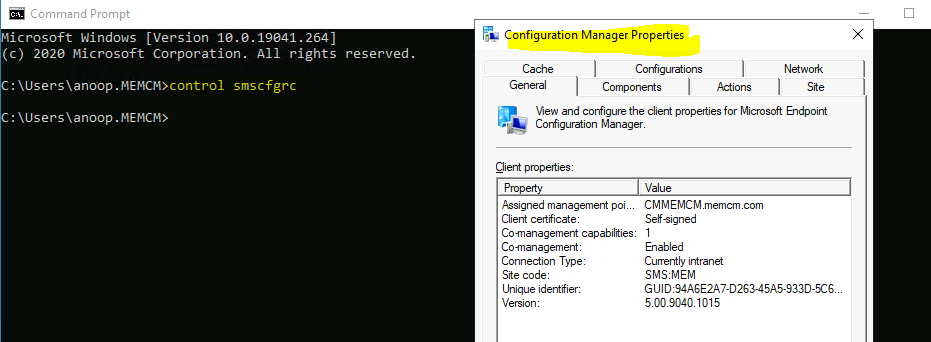
control SMSPDM – Command Line Shortcut to launch Configuration Manager SCCM Program Download Manager (PDM). Easy Access “Run” Commands for SCCM professionals. SCCM ConfigMgr commands are from the Windows RUN menu.
NOTE! – Some commands are unavailable for the SCCM Current Branch.
| Client ConfigMgr console Properties | Run Advertised Program (x64 & x86) | Task Sequence Progress Bar (x64 & x86) |
|---|---|---|
| %windir%\System32\CCM\SMSCliUI.exe %windir%\SysWOW64\CCM\SMSCliUI.exe | %windir%\System32\CCM\SMSRAP.CPL %windir%\SysWOW64\CCM\SMSRAP.CPL | %windir%\System32\CCM\TsProgressUI.exe %windir%\SysWOW64\CCM\TsProgressUI.exe |
Let’s discuss the SMS Agent Host Restart (x64 & x86) and the SCCM (ConfigMgr) Client Repair. The table below provides more details.
| SMS Agent Host Restart (x64 & x86) | SCCM (ConfigMgr) Client Repair |
|---|---|
| %windir%\System32\CCM\CcmRestart.exe %windir%\SysWOW64\CCM\CcmRestart.exe | %windir%\System32\CCM\ccmrepair.exe %windir%\SysWOW64\CCM\ccmrepair.exe |
—-policy.vbs—————-
Dim oCPAppletMgr
Set oCPAppletMgr = CreateObject("CPApplet.CPAppletMgr")
Dim oClientActions
Set oClientActions = oCPAppletMgr.GetClientActions()
Dim oClientAction
For Each oClientAction In oClientActions
If oClientAction.Name = "Request & Evaluate Machine Policy" Then oClientAction.PerformAction
End If
Next
————-
Code Snippet
function repairclient([String] $strComputer)
{
$SMSCli = [wmiclass] "\\$strComputer\root\ccm:sms_client"
$SMSCli.RepairClient()
}
Windows Commands
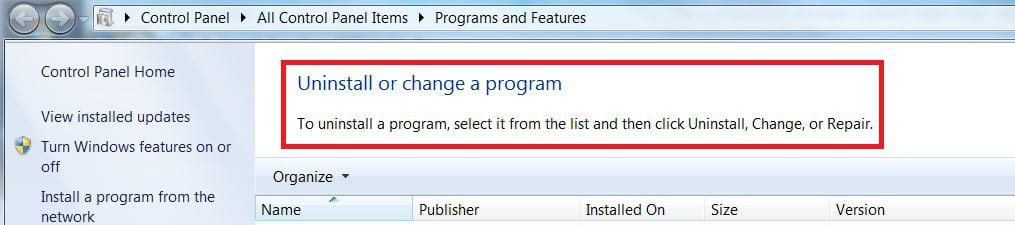
AppWiz.cpl – Command Line Shortcut for launching Add Remove Programs – Control Panel\All Control Panel Items\Programs and Features. SCCM Shortcut Commands.
BthProps.cpl – Command Line Shortcut for launching Bluetooth Devices – Control Panel\All Control Panel Items\Devices and Printers\Bluetooth Devices.

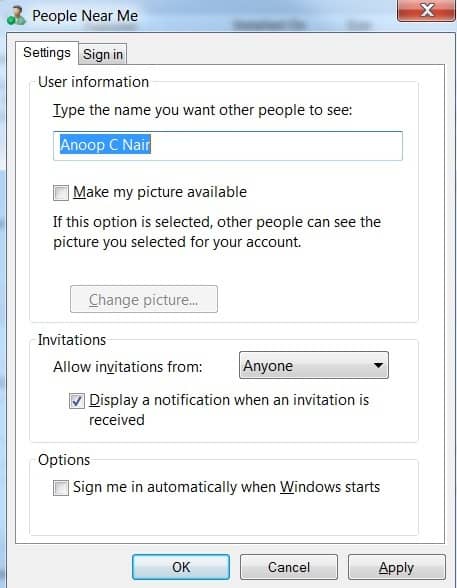
CollAb.cpl – Command Line Shortcut to change your profile picture via People Near Me (Only for Windows 7 and below).
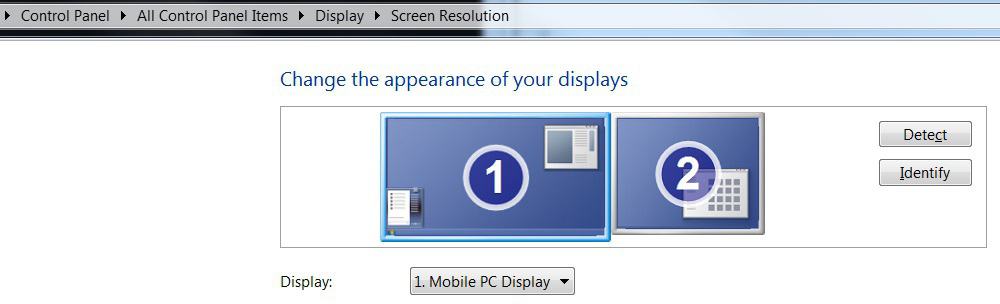
DESK.cpl – Command Line Shortcut to change Control Panel\All Control Panel Items\Display\Screen Resolution.
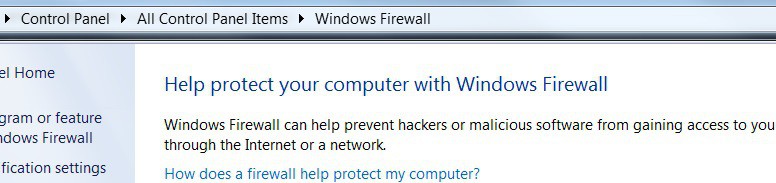
FireWall.cpl – Command Line Shortcut to change Windows Firewall settings – Control Panel\All Control Panel Items\Windows Firewall.
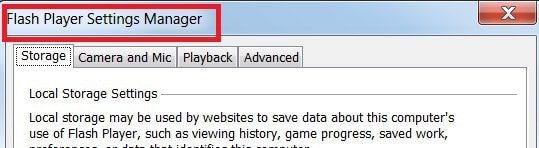
FlashPlayerCPLApp.cpl—Command-Line Shortcut to Flash Player Settings Manager—It’s not working from the Command prompt for me.
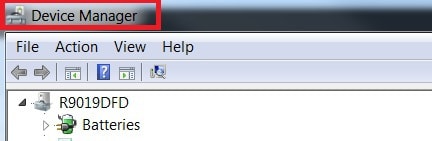
HdwWiz.cpl – Command Line Shortcut for launching Device Manager.
Igfxcpl.CPL – Command Line Shortcut to launch Intel Graphics and Media Control Panel.

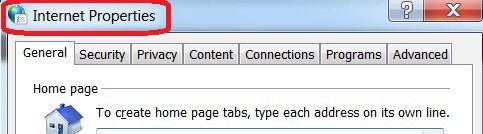
Inetcpl.CPL – Command Line Shortcut to launch internet properties.
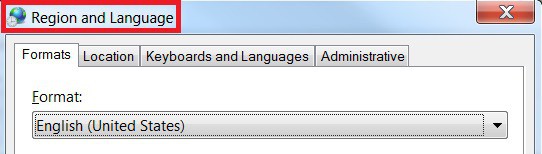
Intl.CPL – Command Line Shortcut to launch Regional Setting – Region and Language Setting – Location, Keyboards, etc.
Irprops.CPL – Command Line Shortcut to launch Infrared Port PropertiesJoy.cpl – Shortcut to launch Game Controllers – Joystick Properties.

Main.cpl – Command Line Shortcut to launch Mouse properties.

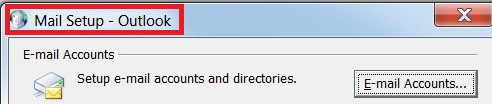
MLCFG32.CPL – Command Line Shortcut to Launch Mail Setup – Outlook – This CPL file won’t work from the command prompt as it is in the program files folder.
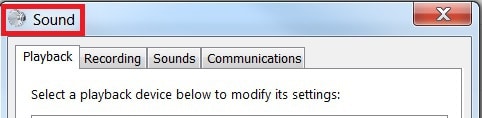
mmsys.CPL – Command Line Shortcut to launch Sound properties.
ncpa.CPL – Command Line Control Panel\All Control Panel Items\Network Connections – Shortcut to Network connections.

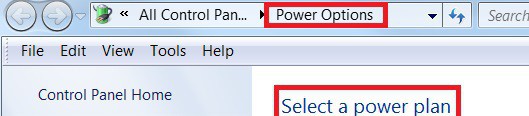
powercfg.CPL – Command Line Control Panel\All Control Panel Items\Power Options – Shortcut to launch Power Plan Configuration.
RTSnMg64.CPL – Command Line Shortcut to launch Realtek Audio Manager. ‘RTSnMg64.CPL‘ is not recognized as an internal or external command, operable program, or batch file.

S32LUCP2.CPL – Command Line Shortcut to Launch Symantec Live Update Configuration – it won’t get launched from the Default command prompt. ERROR message ‘S32LUCP2.cpl’ is not recognized as an internal or external command, operable program, or batch file.

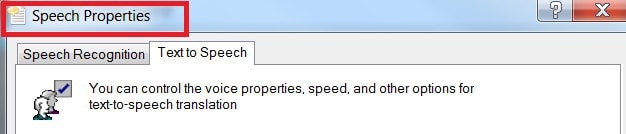
sapi.CPL – Command Line Shortcut to launch Speech Properties – it won’t get launched from the Default command prompt. ERROR message ‘sapi.cpl’ is not recognized as an internal or external command, operable program, or batch file.
sysdm.CPL – Shortcut to launch System Properties and change the computer name.

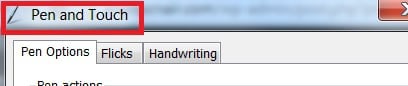
TabletPC.cpl – Shortcut to launch Tablet PC -Pen, Touch, Handwriting, and Flicks configurations. More SCCM Shortcut Commands above?
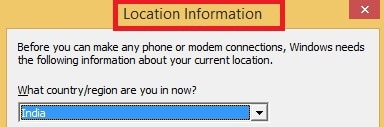
Telephon.CPL -Shortcut to launch Location Information and telephone configuration in OLD times.
TimeDate.cpl – Shortcut to launch Time and Date, Additional Clocks, Internet Time Configurations.

Wscui.cpl – Control Panel\All Control Panel Items\Action Center – Shortcut to launch Action Center.

control /name Microsoft.BitLockerDriveEncryption – Shortcut to the configuration of BIT Locker Encryption. Control Panel\All Control Panel Items\BitLocker Drive Encryption.

control admintools – Shortcut to launch Control Panel\All Control Panel Items\Administrative Tools.

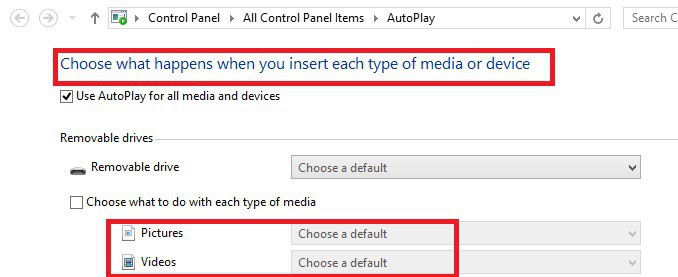
control /name Microsoft.AutoPlay – Shortcut to launch AutoPlay – Choose what happens when you insert each media type or device – Control Panel\All Control Panel Items\AutoPlay. More SCCM Shortcut Commands above??
control /name Microsoft.ColorManagement – Shortcut to launch color Management.

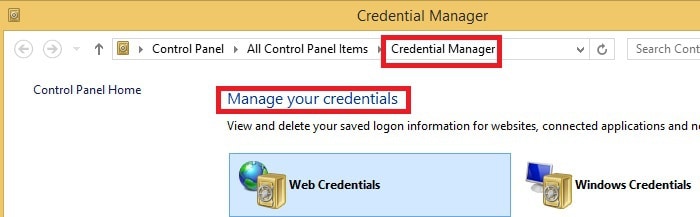
control /name Microsoft.CredentialManager – Shortcut to launch Credential Manager – This view and delete your login information. – Control Panel\All Control Panel Items\Credential Manager.
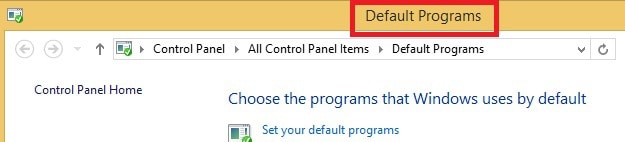
control /name Microsoft.DefaultPrograms – Shortcut to Launch Default program – Choose the default programs which Windows use – Control Panel\All Control Panel Items\Default Programs.
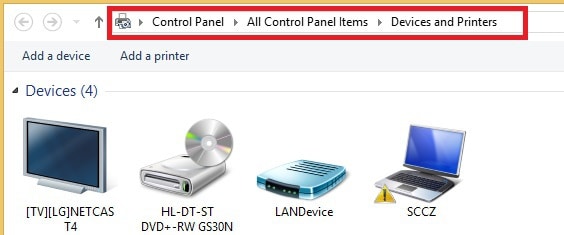
control printers – Shortcut to launch printers – Control Panel\All Control Panel Items\Devices and Printers.
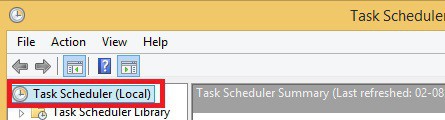
control schedtasks – Shortcut to launch Task Scheduler.
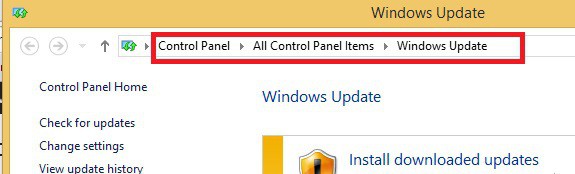
control /name Microsoft.WindowsUpdate – Shortcut Launch Windows Update – Control Panel\All Control Panel Items\Windows Update.
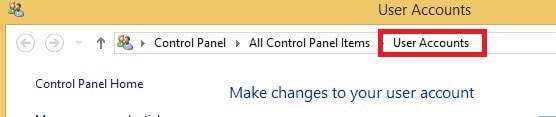
control user passwords – Shortcut to launch User Account management – Control Panel\All Control Panel Items\User Accounts. More SCCM Shortcut Commands above??
We are on WhatsApp now. To get the latest step-by-step guides, news, and updates, Join our Channel. Click here. HTMD WhatsApp.
Author
Anoop C Nair is Microsoft MVP from 2015 onwards for consecutive 10 years! He is a Workplace Solution Architect with more than 22+ years of experience in Workplace technologies. He is a Blogger, Speaker, and Local User Group Community leader. His main focus is on Device Management technologies like SCCM and Intune. He writes about technologies like Intune, SCCM, Windows, Cloud PC, Windows, Entra, Microsoft Security, Career etc…




There is nothing for Config Mgr Applet ??? 🙁 we using it lot of time during troubleshooting 🙂
StaffHi Raman ! – Updated now … See the post 😉
regards
Anoop
What if I want to run LAUNCH CONFIGURATION MANAGER SCCM CONTROL PANEL and automatically run the actions in action tab?
control.exe cscui.dll > Manage Offline Files.
Hey Anoop,
This is literally the all time best content available in internet
I am sure there is no other website who shares information like yours in a elaborative and informative way.
I am glad I got to know about this one.
Hi Anoop,
Greetings!
If I wan to run function under the control smscfgrc’s tabs like actions tab and configuration tab ?