





2 Core Pillars of Windows Security Hardware Security Baseline and Secure by Default
Key Takeaways
- Identity-based attacks and phishing remain the most common cybersecurity threats.
- Microsoft is simplifying Windows security with stronger default protections and fewer attack paths.
- The Secure Future Initiative and Windows Resiliency Initiative place security at the center of Microsoft’s strategy.
- Hardware security baselines provide a trusted foundation for operating system protection.
In this post, we are discussing 2 Core Pillars of Windows Security Hardware Security Baseline and Secure by Default. At the Microsoft Technical Takeoff, Catherine Hallsworth shared important updates about the latest innovations in Windows security. The session highlighted how Microsoft is strengthening security foundations to help organisations defend against cyber threats.
Table of Contents
2 Core Pillars of Windows Security Hardware Security Baseline and Secure by Default
Cyberattacks targeting identities continue to rise, with phishing remaining the most common breach method. At the same time, AI-driven threats are increasing the complexity of attacks. These challenges create pressure for IT administrators who already deal with too many alerts, security gaps, and limited time to respond effectively. Microsoft is simplifying the security stack with strongerdefault protections, fewer attack paths, and clearer guidance.
- The goal is to make security easier to manage while ensuring organisations stay protected even as threats evolve.
- Microsoft Introducing Copilot+ PCs
- Pricing Details of Microsoft Security Copilot
- Get Free Certification from Microsoft on Copilot for Security
- Insights of How Copilot for Security Works
Why Identity Attacks are Rising
Identity-based attacks are becoming one of the biggest cybersecurity risks for organizations. Phishing remains the top breach path, and attackers are increasingly using AI to automate and scale their attacks. In admins concept A large number of security alerts Multiple weak points across systems Limited time to investigate and respond.
The Most Secure Windows
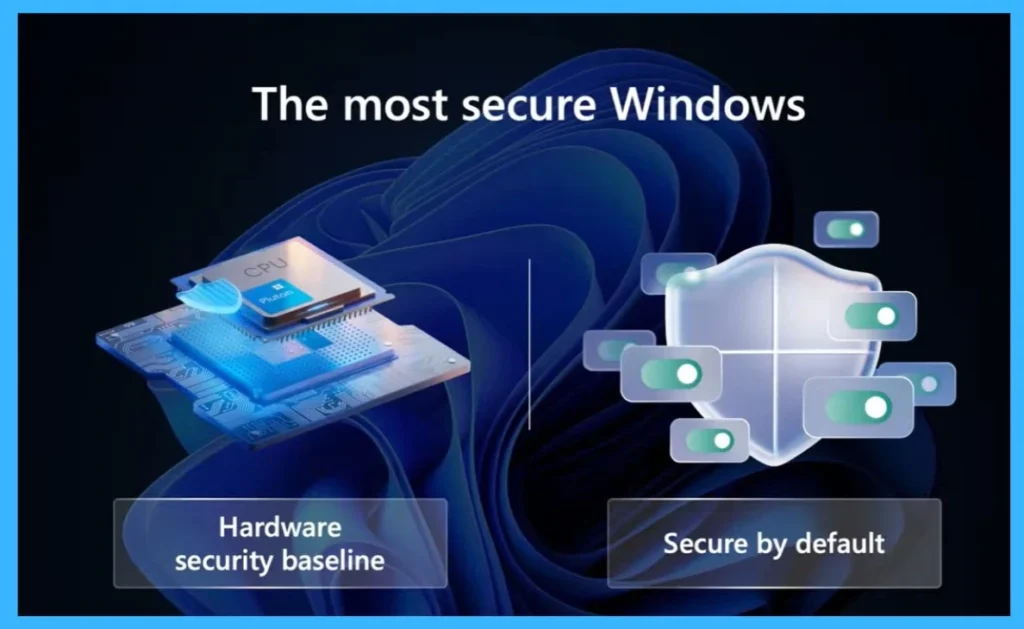
Windows focuses on 2 main areas to provide strong security. The first is the hardware security baseline, which means security starts from the hardware level and creates a strong foundation for the system. The second is secure by default, where important security features are enabled automatically to help protect devices and users. Together, these approaches help make Windows more secure.

Hardware Security Baseline in Copilot+ PCs
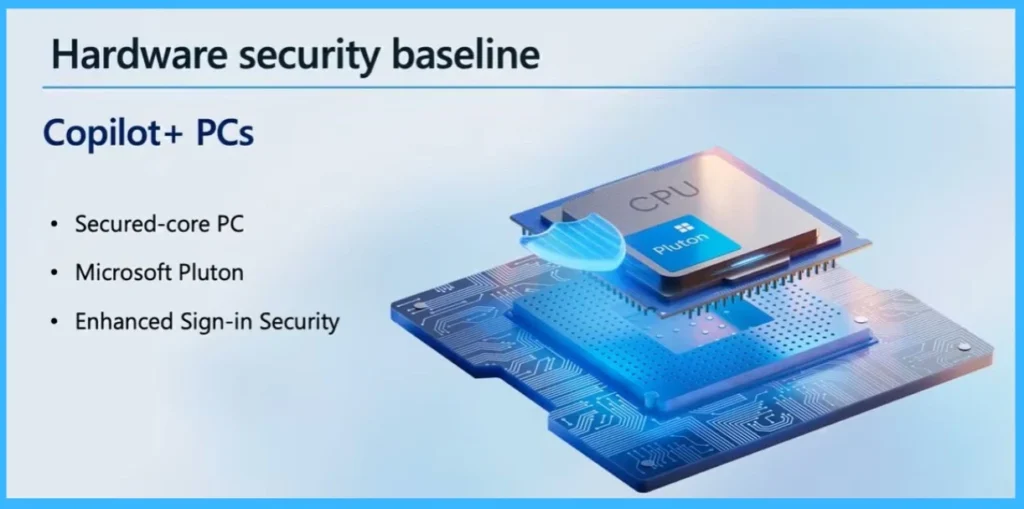
The hardware security baseline is strengthened with Copilot+ PCs, which include several built-in security features. These devices are designed with Secured-core PC capabilities that help protect against firmware-level threats. They also include Microsoft Pluton, a security processor integrated into the CPU for improved protection.
- Also, Enhanced Sign-in Security helps provide stronger and more secure authentication for users.
- Together, these features help improve the overall security of the system.
| Category | Features |
|---|---|
| Hardware Security Baseline | Copilot+ PCs |
| Security Features | Secured-core PC |
| Security Features | Microsoft Pluton |
| Security Features | Enhanced Sign-in Security |
Need Further Assistance or Have Technical Questions?
Join the LinkedIn Page and Telegram group to get the latest step-by-step guides and news updates. Join our Meetup Page to participate in User group meetings. Also, join the WhatsApp Community and the Whatsapp channel to get the latest news on Microsoft Technologies. We are there on Reddit as well
Author
Anoop C Nair has been Microsoft MVP for 10 consecutive years from 2015 onwards. He is a Workplace Solution Architect with more than 22+ years of experience in Workplace technologies. He is a Blogger, Speaker, and Local User Group Community leader. His primary focus is on Device Management technologies like SCCM and Intune. He writes about technologies like Intune, SCCM, Windows, Cloud PC, Windows, Entra, Microsoft Security, Career, etc.




Discussion