






Top 5 Windows 11 Security Features Microsoft Announced for During Ignite 2024
Let’s discuss the Top 5 Windows 11 Security Features Microsoft Announced for During Ignite 2024. Microsoft committed to launching security-related features for Windows 11, and as a result, they brought 4 new security-related features for users at Ignite.
Security is the First concern of every individual and organization, and Microsoft is concerned about this and has launched security features. These features mainly focus on protecting your organization’s data from emerging threats and ensuring system integrity, which is paramount.
Windows 11 is a reliable OS version, and Microsoft is committed to ensuring that Windows remains the most reliable and resilient open platform for customers. As part of this commitment, Microsoft is introducing the Windows Resiliency Initiative.
This blog post discussed the 5 Top Security Features Microsoft Announced for Windows 11 during Ignite 2024. These features allow you to protect your organizational data, system integrity, etc, easily.

Table of Contents
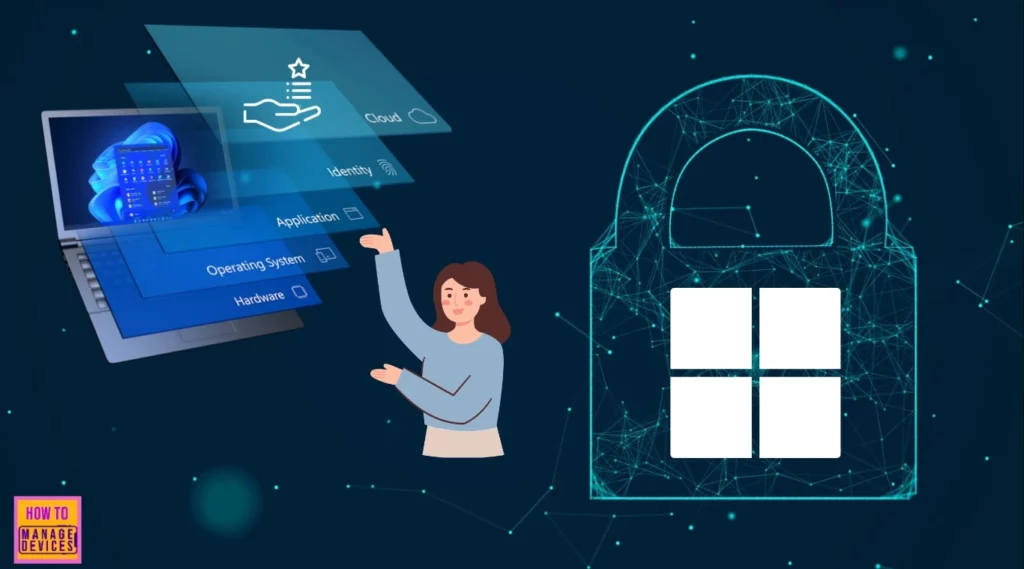
Top 5 Windows 11 Security Features Microsoft Announced for During Ignite 2024
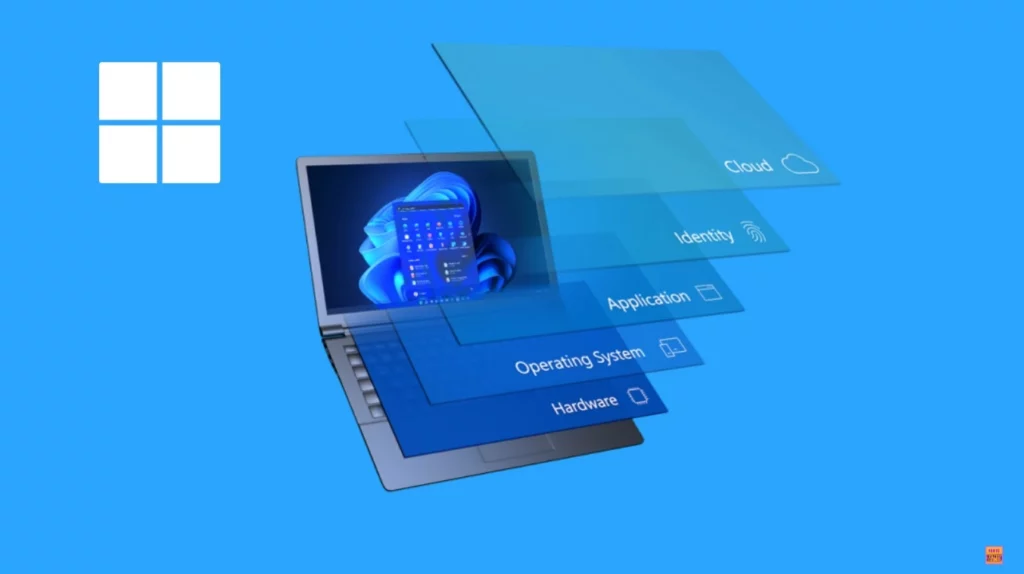
As I mentioned above, security is the top priority. During Critical times, empowering IT administrators with great tools is a top priority. The following are the four top security features of Windows 11, which will be announced at Ignite 2024.
- Top 4 Security Copilot Use Cases and Prompts for Entra Shared by Microsoft
- New Dedicated Mode Experience in Windows 365 Frontline
- New Shared Mode Experience in Windows 365 Frontline Unlocking New Possibilities for Task Productivity
Quick Machine Recovery
Quick Machine Recovery is the first feature Ignite announced for Windows 11 security. It was developed to Strengthen reliability based on lessons from the July incident.
This feature will enable IT administrators to execute targeted fixes from Windows Update on PCs, even when machines cannot boot, without needing physical access to the PC. This remote recovery will unblock your employees from broad issues much faster than what has been possible in the past.
| Advantages |
|---|
| Remote Recovery |
| No physical Access Needed |
| Enhanced Security and Resiliency |
Note: This feature will be available to the Windows Insider Program community in early 2025.
Anti-virus Processing Outside Kernel Mode
Microsoft is bringing Anti-virus Processing Outside Kernel Mode associated with the Microsoft Virus Initiative (MVI). MVI partners have extensive integration with the Windows platform and play a significant role in safeguarding customers’ digital portfolios.
It provides a high level of security while minimizing reliability risks, as crashes outside kernel mode will only affect the anti-virus application and not all of Windows.
Note: In July 2025, partners will be able to access a private preview of these new Windows security platform capabilities.
Hardware Security Baseline
Users expect that every Windows 11 PC is safe and secure. Windows 11 leverages the latest hardware security features, such as TPM 2.0 and Secure Boot, to provide a robust defence against sophisticated attacks.
Hardware security baselines now provide organizations with a consistent foundation and the confidence they expect in their operating system.
Smart App Control and App Control for Business
Smart App Control and App Control for Business policies provide peace of mind that only verified apps can run on your device. This helps defend against attacks like malicious attachments or even socially engineered malware. Windows Hello authentication has been extended to passkeys, so you no longer have to choose between a simple sign-in and a safe one.
Administrator Protection
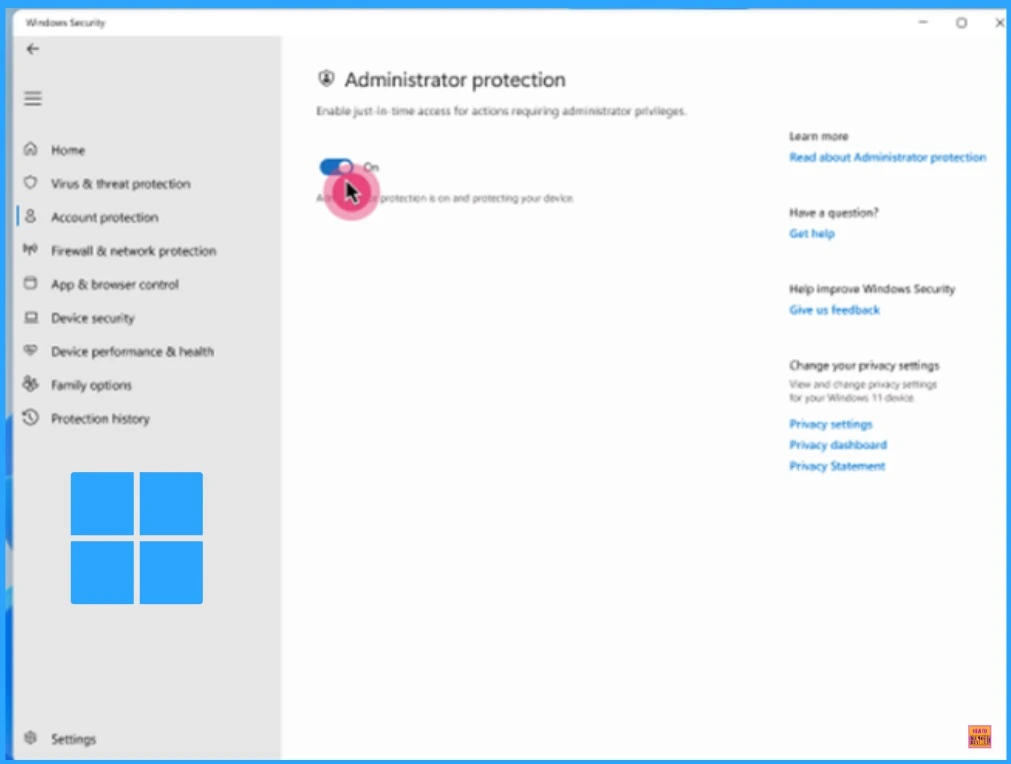
Microsoft is introducing a new feature in Preview where employees have standard user permissions by default but can still make Windows system changes, including app installation, when necessary. Upon approving the change, Windows creates a temporary isolated admin token that is destroyed once the process is completed.
Administrator Protection helps to ensure that employees remain in control, not malware. After accepting the change, Windows creates a temporary isolated admin token that is destroyed once the process is completed. This feature helps to ensure that employees remain in control, not malware.
| Key architectural highlights |
|---|
| Just-in-time elevation |
| Profile separation |
| No auto-elevation |
Need Further Assistance or Have Technical Questions?
Join the LinkedIn Page and Telegram group to get the latest step-by-step guides and news updates. Join our Meetup Page to participate in User group meetings. Also, Join the WhatsApp Community to get the latest news on Microsoft Technologies. We are there on Reddit as well.
Author
Anoop C Nair has been Microsoft MVP from 2015 onwards for 10 consecutive years! He is a Workplace Solution Architect with more than 22+ years of experience in Workplace technologies. He is also a Blogger, Speaker, and Local User Group Community leader. His primary focus is on Device Management technologies like SCCM and Intune. He writes about technologies like Intune, SCCM, Windows, Cloud PC, Windows, Entra, Microsoft Security, Career, etc.




Discussion