






Unable to Login with Microsoft Account to Windows 11 Issue
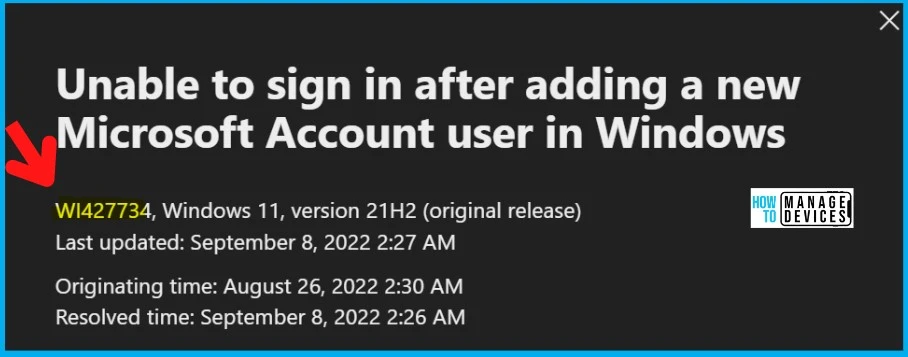
Let’s discuss the issue that is unable to Login with Microsoft Account to Windows 11 Issue (WI427734). The issue persists when the newly created Microsoft account user cannot log in after the restart or log out from the device.
This is a common issue for some users; when they try to log in to their Microsoft Accounts, they face the problem of not being able to log in to their accounts. A newly added Microsoft account user might be unable to sign in after restarting or logging off.
This issue is not impacting many Windows 11 devices because this happens if you install KB5016691. Microsoft released the KB5016691 on August 25, 2022, as a preview update. This is not a known issue with Aug 2022 patch Tuesday cumulative updates.
Microsoft already provided a workaround to fix the issue. But we normally don’t recommend using the fix using Known Issue Rollback (KIR). KIR uses the group policy WMI filtering method to resolve these types of issues.

- FIX Windows Update Issues For Windows 11 Errors Troubleshooting Tips
- Fix Windows Update Error 0x8007005 Failed To Restart
- Windows Upgrade Troubleshooting with Logs
Issue: Unable to Login with Microsoft Account to Windows 11
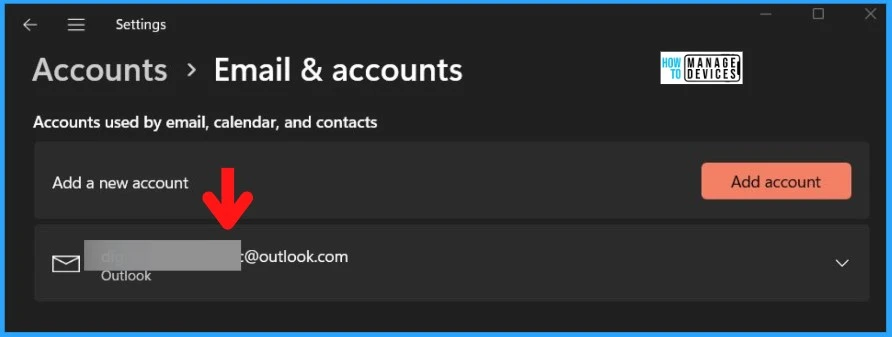
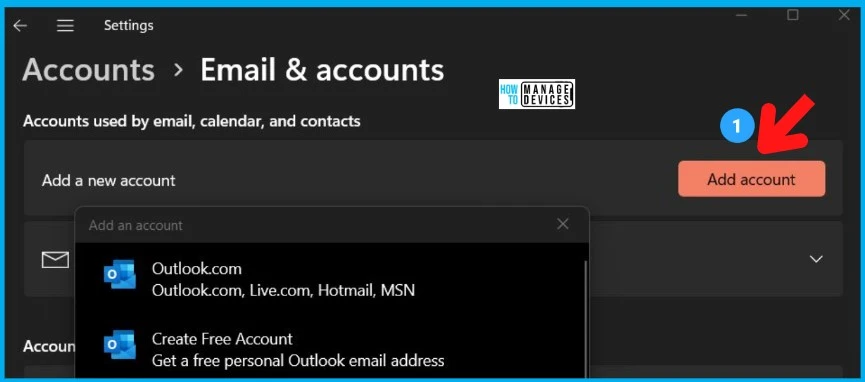
Let’s see details of the issue with Windows 11 login. Microsoft released the notification on this KB5016691 issue. Windows 11 users face a temporary login issue after adding a new Microsoft account to the desktop or laptop.
- Unable to Login with Microsoft Account – A newly added Microsoft account user might be unable to sign in after restarting or logging off.
This Windows 11 login issue only affects devices after adding a Microsoft account (personal account Hotmail, Outlook, etc.). It does not affect Active Directory (AD) domain users’ accounts or AAD (aka Azure Active Directory) accounts.
You can refer to the following table for more details on the known issue. I don’t think this issue would be widely impacted because of many things explained below.
| Issue | Not impacted | Because of Patch Issue? | Reproduce | Root Cause |
|---|---|---|---|---|
| A newly added Microsoft account user might be unable to sign in after restarting or logging off. | AD or Azure AD User Accounts | Yes, After installing KB5016691 | 1. Install KB5016691 2. Add a new Microsoft account to Windows 11 device 3. Restart / Logoff Windows 11 | Not known yet |
- Enable Windows 11 Patching using SCCM WSUS
- Upgrade to Windows 11 using Intune Feature Update Deployment Policy
Workaround/FIX – Unable to Login to Windows 11 Issue
Microsoft already released a workaround and a fix for this issue: the rollback of the patch KB5016691. This issue is resolved using Known Issue Rollback (KIR). This normally takes up to 24 hours for the resolution to propagate automatically to consumer and non-managed business devices.
Microsoft Workaround: If you encounter Windows 11 sign-in with a Microsoft Account issue, this issue will automatically resolve itself after a brief time. You will need to wait for the lock screen to appear again; you should be able to log in as expected.
NOTE! – This issue is fixed with the latest Cumulative Update released in Sept 2022.
| Issue | Workaround | Resolution | FIX | KIR Guide |
|---|---|---|---|
| Users are not logged with a newly added Microsoft personal account | Wait for the lock screen to appear again, and then login! | Download for Windows 11, version 21H2 – KB5016691 220722_051525 Known Issue Rollback | Step by Step Guide |
Author
Alok is a Master of Computer Applications (MCA) graduate. He loves writing on Windows 11 and related technologies. He likes to share his knowledge, quick tips, and tricks with Windows 11 or Windows 10 with the community.




Discussion