






Different Use Cases for Microsoft Entra New Face Check with Verified ID
Let’s discuss different use Cases for Microsoft Entra New Face Check with Verified ID. Microsoft enhanced the Face Check feature on Microsoft Entra to simplify identity verification. Entra Face check feature already introduced by Microsoft.
The improved version of Entra New Face Check helps reduce threats of unauthorized access to sensitive information or resources. It allows enterprises to perform high-assurance verifications securely, simply, and at scale.
Our blog post discussed Microsoft Entra’s New Face Check with Verified ID. It is an easy and secure way to verify necessary credentials. You can read the post to learn more about the details and how it works.
In this blog post, I will share different use cases for the Entra New Face Check feature. It uses facial matching technology to compare a user’s real-time selfie with a photo from their identity document. This approach is more accurate and efficient.

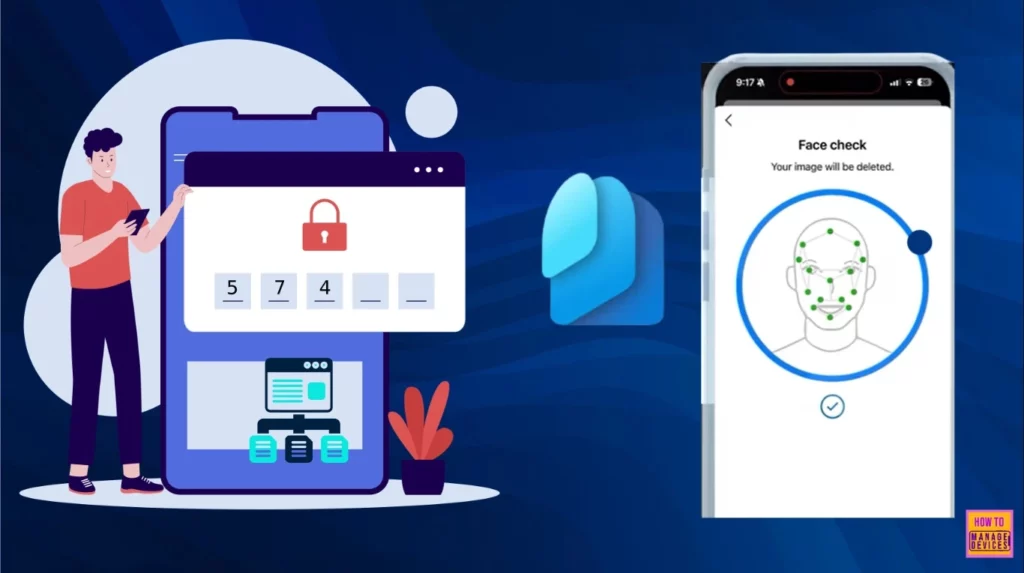
Table of Contents
Different Use Cases for Microsoft Entra New Face Check with Verified ID
As mentioned above, this blog post goes through Microsoft Entra Face Check use cases. Mainly, 2 use cases are addressed in this post. Each use case is very relevant, and it will work for you. Microsoft demonstrates the uses that I am going to explain here.
- How QR Code and PIN Authentication Simplifies Sign-In for Frontline Workers in Microsoft Entra ID
- Troubleshooting Entra ID Connect Sync Issue Authentication Failure with Entra ID
- Blocking Device Code Flows DCF in Microsoft Entra ID to Protect your Tenant from Phishing Attacks
Advantages of Entra New Face Check
The new Entra face check provides many advantages for users. It is a valuable tool for various use cases, from secure access control to streamlined customer onboarding. The following table shows the benefits.
| Advantages | Details |
|---|---|
| Security Enhancement | This technology provides an additional layer of security |
| More convenient | Users can verify their identity quickly and easily by taking a selfie |
| Better Accuracy | It offers high accuracy in matching faces with ID photos |
| Privacy and Security | Only the match results are share |
Use Case 1 – Phone or ID has been Lost or Stolen
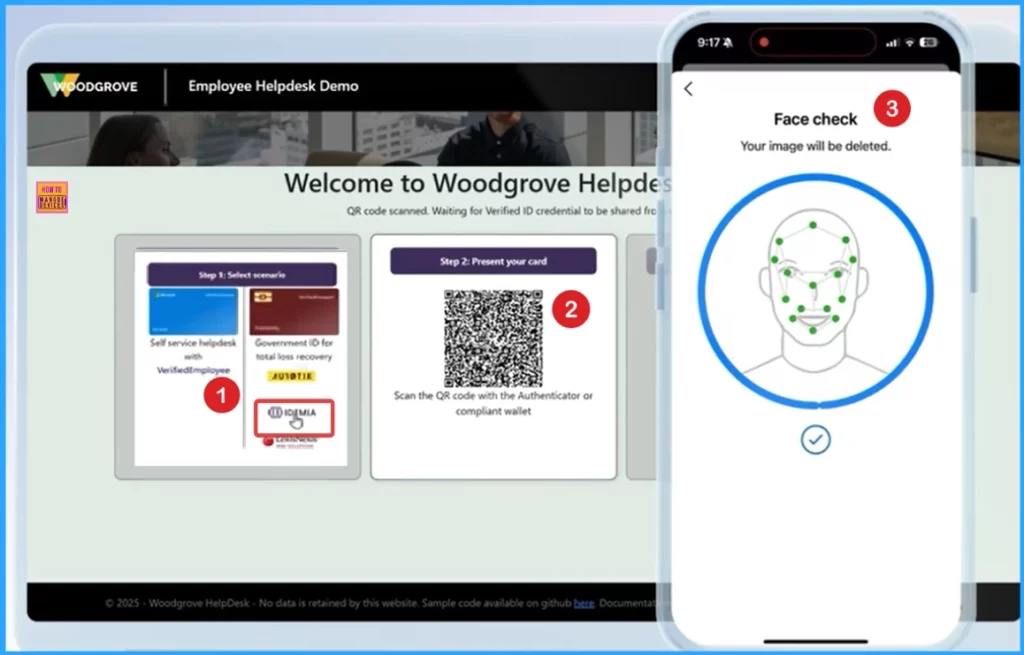
Use case 1 discusses a user’s Phone or ID being Lost or stolen. So, account recovery is needed, and it is possible with a Face check. You can use a check to ensure that the right person is recovering access to securely restore their ability to access resources. This contrasts with relying on SMS email roundtrip or 20 knowledge-based questions.
Use Case 2 – Step-Up Authentication
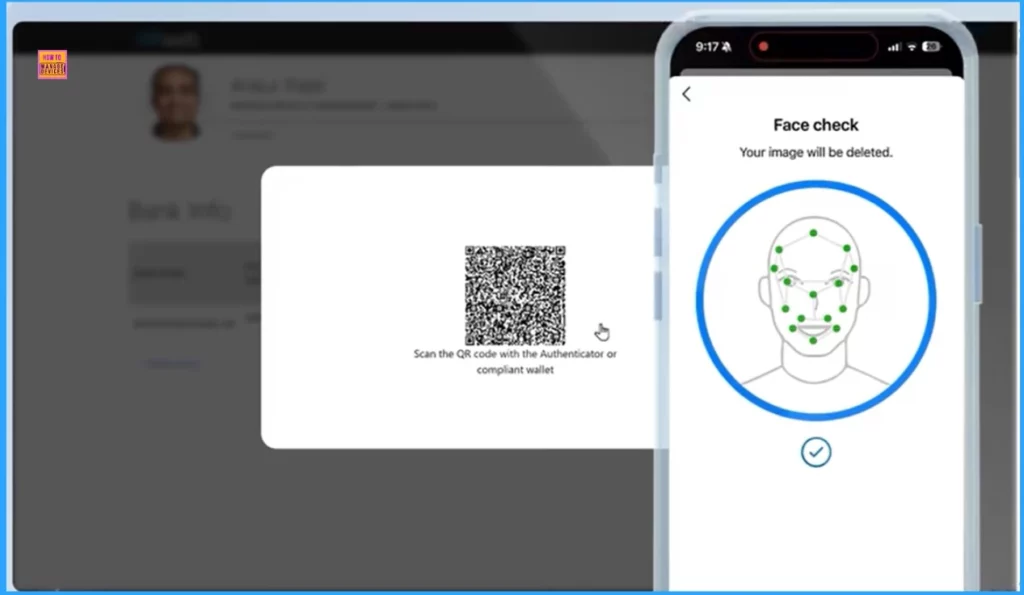
Another use case is step-up authentication, where you may need to update direct deposit bank information for payroll or other sensitive information where extra protection is required.
Need Further Assistance or Have Technical Questions?
Join the LinkedIn Page and Telegram group to get the latest step-by-step guides and news updates. Join our Meetup Page to participate in User group meetings. Also, Join the WhatsApp Community to get the latest news on Microsoft Technologies. We are there on Reddit as well.
Resource
Microsoft’s New AI Face Check Makes Digital ID Super Easy
Author
Anoop C Nair has been Microsoft MVP from 2015 onwards for 10 consecutive years! He is a Workplace Solution Architect with more than 22+ years of experience in Workplace technologies. He is also a Blogger, Speaker, and Local User Group Community leader. His primary focus is on Device Management technologies like SCCM and Intune. He writes about technologies like Intune, SCCM, Windows, Cloud PC, Windows, Entra, Microsoft Security, Career, etc.




Discussion