Skip to content
Veeam Backup for O365 v4 Community Version Upgrade Guide

Veeam Backup for O365 v4 Community Version Upgrade Guide

Written By Anoop C Nair
Last Updated July 31, 2026
Posted In Veeam
SHARE

Let’s discuss Veeam Backup for O365 v4 Community Version Upgrade Guide. Veeam released the latest version of Veeam Backup for Microsoft Office 365 with many enhancements.

Let’s go through a quick walkthrough of the installation/upgrade of Veeam Office 365 Backup v4! Veeam Backup for O365 v4 Community Version!!

Also, are you wondering why I should have Microsoft Office 365 Mail, SharePoint, OneDrive, etc. backup?

The following are the main data points that help you to understand the business case for Office 365 backup solution.

Index
Download Veeam Backup for Office 365
Installation – Veeam Backup for O365 v4
Authentication Options
Connect to Your Office 365 Organization
Add a Backup Job
Veeam Backup for O365 v4 Community Version Upgrade Guide – Table.1
  • Accidental deletion
  • Retention policy gaps and confusion
  • Internal security threats
  • External security threats
  • Legal and compliance requirements
  • Managing hybrid email deployments and migrations to Office 365

Have you tried Veeam Backup for Microsoft Office 365 yet? Here is a FREE forever Community Edition for up to 10 users and 1 TB of SharePoint data.

For more information https://go.veeam.com/wp-why-backup-office-365-data
Veeam Backup for O365 v4 Community Version Upgrade Guide - Fig.1
Veeam Backup for O365 v4 Community Version Upgrade Guide – Fig.1

Download Veeam Backup for Office 365

Let’s download the latest version of Office 365 backup from https://www.veeam.com/backup-microsoft-office-365.html

NOTE! – Another option to download automatically from the previous version of Office 365 backup is explained in the previous blog post https://www.anoopcnair.com/veeam-backup-for-microsoft-office-365-v3/#Upgrade_to_Version_3
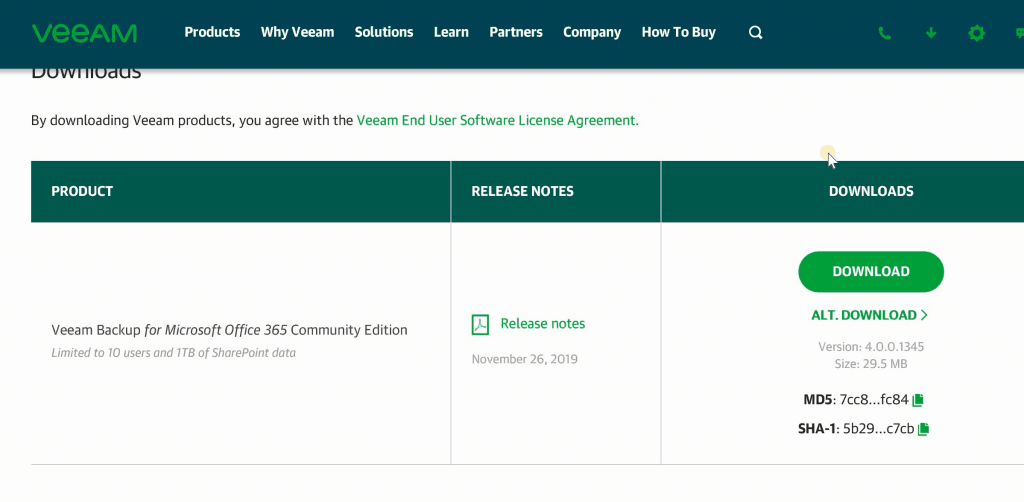
Veeam Backup for O365 v4 Community Version Upgrade Guide - Fig.2
Veeam Backup for O365 v4 Community Version Upgrade Guide – Fig.2

Installation – Veeam Backup for O365 v4

Installation of Microsoft Office365 backup from Veeam is a straightforward process.
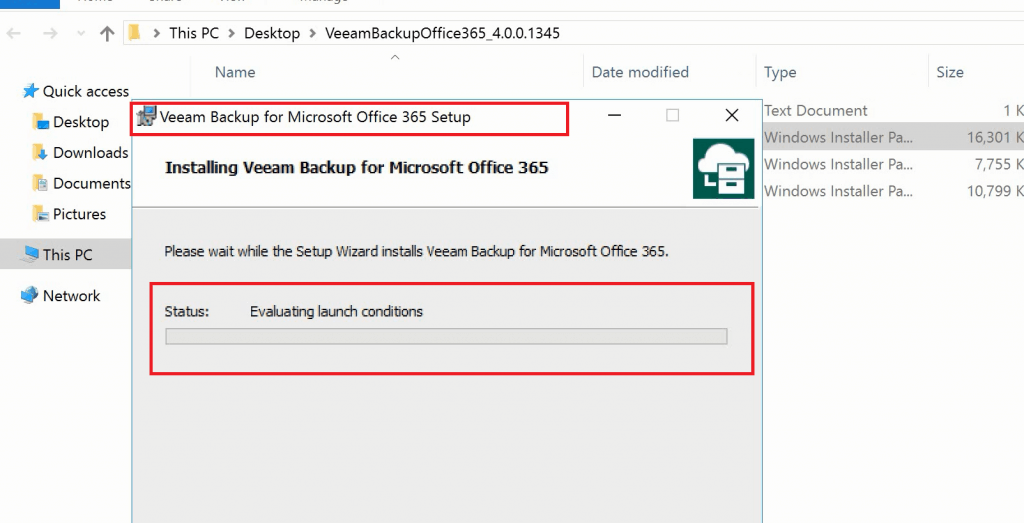
Veeam Backup for O365 v4 Community Version Upgrade Guide - Fig.3
Veeam Backup for O365 v4 Community Version Upgrade Guide – Fig.3
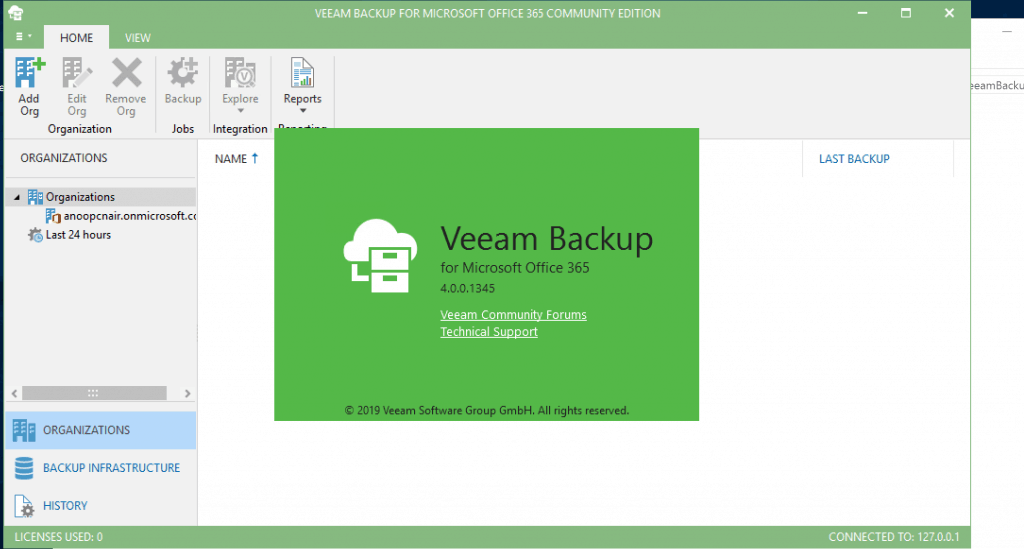
  • Veeam Backup 365 – 4.0.0.1345
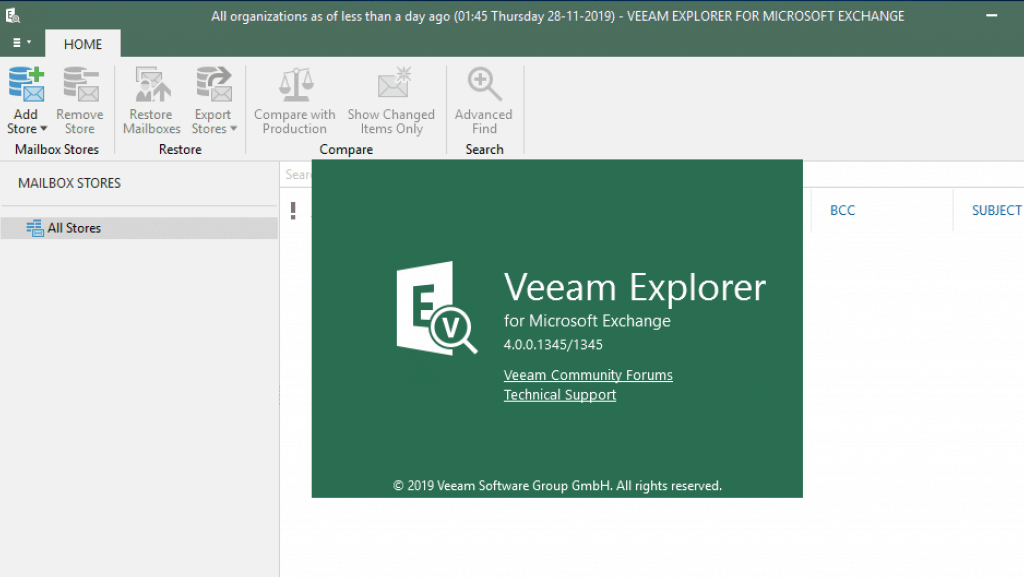
  • Veeam Explorer for Exchange – 4.0.0.1345
  • Veeam Explorer for SharePoint – 4.0.0.1345
Veeam Backup for O365 v4 Community Version Upgrade Guide - Fig.4
Veeam Backup for O365 v4 Community Version Upgrade Guide – Fig.4
Veeam Backup for O365 v4 Community Version Upgrade Guide - Fig.5
Veeam Backup for O365 v4 Community Version Upgrade Guide – Fig.5

Authentication Options

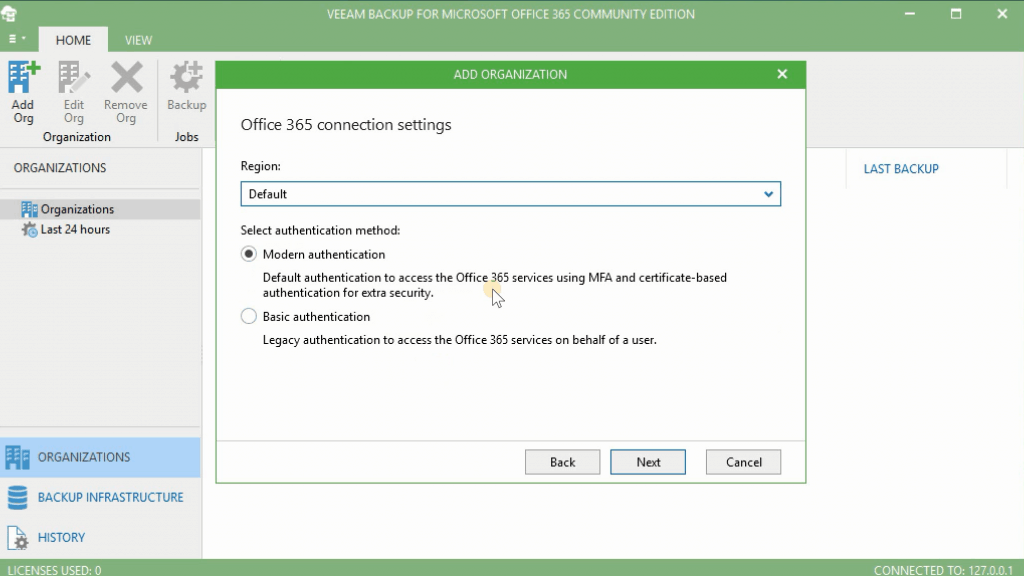
Two authentication options exist to connect with Veeam Backup for the Microsoft Office 365 community version.

  • Modern Authentication (Recommended)
  • Basic Authentication
Veeam Backup for O365 v4 Community Version Upgrade Guide - Fig.6
Veeam Backup for O365 v4 Community Version Upgrade Guide – Fig.6

Connect to Your Office 365 Organization

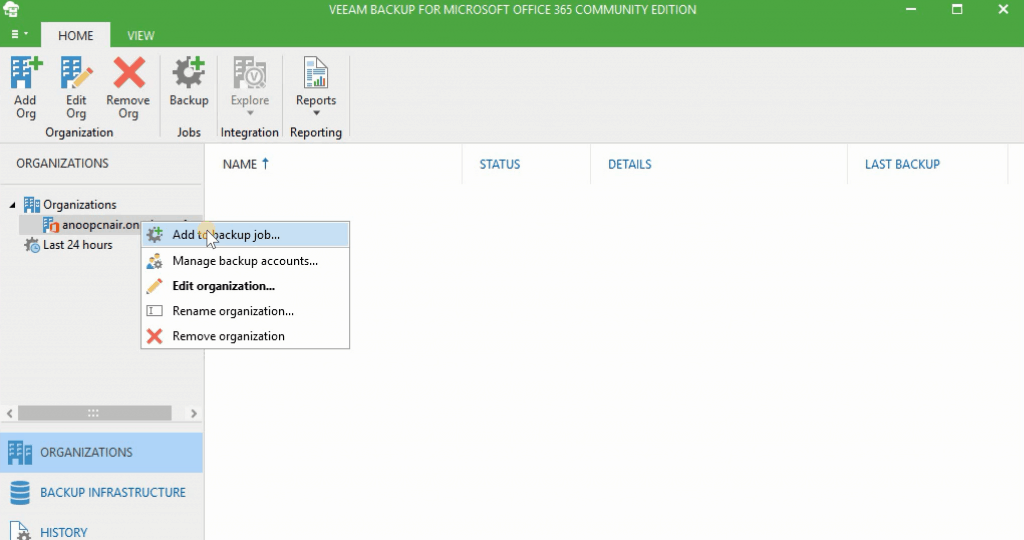
Connecting to the Office 365 organization is via Microsoft Graph API and Microsoft EWS. This process is straightforward via Veeam UI.
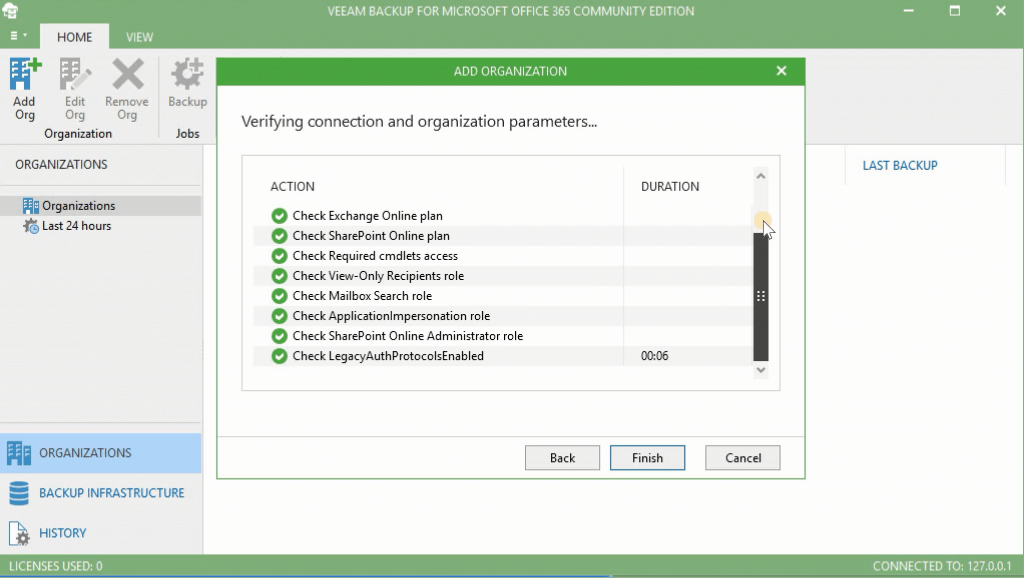
Veeam Backup for O365 v4 Community Version Upgrade Guide - Fig.7
Veeam Backup for O365 v4 Community Version Upgrade Guide – Fig.7

Add a Backup Job

Adding a backup job from Veeam backup for the Microsoft Office 365 community solution is also very simple. The community version of this tool has all the features available. As mentioned above, the only limitation is the maximum size of the backup.

Back up the following Objects:

  • Users
  • Groups
  • Sites
  • Organization
Veeam Backup for O365 v4 Community Version Upgrade Guide - Fig.8
Veeam Backup for O365 v4 Community Version Upgrade Guide – Fig.8

Resources

We are on WhatsApp. To get the latest step-by-step guides and news updates, Join our Channel. Click here –HTMD WhatsApp.

Author

Anoop C Nair is Microsoft MVP! He is a Device Management Admin with more than 20 years of experience (calculation done in 2021) in IT. He is a Blogger, Speaker, and Local User Group HTMD Community leader. His main focus is on Device Management technologies like SCCM 2012, Current Branch, and Intune. He writes about ConfigMgr, Windows 11, Windows 10, Azure AD, Microsoft Intune, Windows 365, AVD, etc.

Written by

Anoop C Nair is Workplace Technology solution architect with 25+ years of experience in global enterprise organizations such as JP Morgan, Capgemini, etc. Microsoft Certified Trainer. Microsoft MVP from 2015 onwards for consecutive 11+ years! He also conducts Intune and modern workplace tech training for enterprise organizations. He is Blogger, Speaker, and Founder of HTMD Community and HTMD Conference. His main focus is on Device Management technologies like Intune, Windows, Cloud PC. He writes about technologies like Intune, SCCM, Windows, Cloud PC, Windows, Entra, Microsoft Security.

Discussion

Join the discussion

Your email address will not be published. Required fields are marked *

Related guides

Veeam

Download Office 365 Backup Solution from Veeam

Download Office 365 Backup Solution from Veeam. You are looking for Microsoft Office 365 with many enhancements. Let’s go through the features of Veeam Office 365 Backup v4!  Microsoft 365 (formerly known as Office 365) has some excellent services but doesn’t have a complete backup for your data. Veeam’s Microsoft 365 backup solutions eliminate the risk […]

VM Vidya M A 2 min read
Veeam

Veeam Availability Suite v10 is Here!

Hi, Here is a good news!! Veeam Availability Suite v10! It’s here! Veeam’s flagship solution, Veeam® Availability Suite™ v10 (Veeam v10), has been officially released. Veeam mentioned in the latest press release that v10 has more than 150 groundbreaking features. Veeam Availability Suite v10 offers enhanced backup capabilities to protect modern workloads at scale while also providing increased security through […]

VM Vidya M A 3 min read
Veeam

VeeamON Virtual Conference Nov 20th 2019

VeeamON virtual conference was all set to start on November 20th, 2019. Depending on your time zone, you can attend this event. They have options for ASIA, EUROPE, and AMERICA time zones. Anticipate insightful presentations by over 20 speakers covering the Vision and strategy, Implementation Best Practices, Cloud-Powered, and Architecture and design tracks. Attendees from across […]

AC Anoop C Nair 2 min read
Veeam

Upgrade Veeam Backup for Microsoft Office 365 from v2.0 to v3.0

This post will learn how to upgrade Veeam Backup for Microsoft Office 365 from v2.0 to v3.0. Index Veeam Backup for Microsoft Office 365 Architecture What’s New in Version 3 Prerequisites Upgrade to Version 3 Modern Authentication Vs. Basic Authentication Microsoft Graph API Schedule Options – Permitted/Denied Results Upgrade Veeam Backup for Microsoft Office 365 […]

AC Anoop C Nair 4 min read