






Time to Migrate Windows UWP Map Control and Windows Maps Platform APIs for Windows Client Support Ending Soon
Let’s discuss the deprecated features in the Windows UWP Map Control and Windows Maps Platform APIs for Windows Client. Microsoft has officially announced the deprecation of the Windows UWP Map Control and Windows Maps Platform APIs as of April 8, 2025.
While the Maps UWP Control and Maps platform support will continue to function in existing applications, they will no longer receive updates or improvements. Developers relying on these features should begin planning for migration to supported alternatives.
Windows UWP Map Control is a tool used by developers in Universal Windows Platform (UWP) apps to show maps using Bing Maps. Windows Maps platform APIs are the programming interfaces that allow apps to interact with maps (get locations, show routes, etc.).
In this post, you will find all the important details about the features that are being removed from the Windows UWP Map Control and Windows Maps platform APIs. These changes affect apps running on Windows 10 and Windows 11.

Table of Contents
Deprecated Features in Windows UWP Map Control and Windows Maps Platform APIs
If your app especially a UWP app currently uses the UWP Map Control or any part of the Windows Maps platform, it’s time to start planning a move to Azure Maps. Here’s the important part: Microsoft expects developers to begin this transition within one year of the deprecation notice, not just before Bing Maps for Enterprise shuts down completely.
So, even if everything still works today, you should start migrating to Azure Maps by May 2025 to stay ahead and avoid any disruptions.
| Deprecated Features | Details |
|---|---|
| Deprecation | Windows UWP Map Control and Maps APIs are deprecated |
| When | Announced May 2024 – transition expected by May 2025 |
| Why | Microsoft is merging Bing Maps for Enterprise with Azure Maps |
| What To Do | Move to Azure Maps as the new platform |
| Resources | Microsoft will provide help for migration |
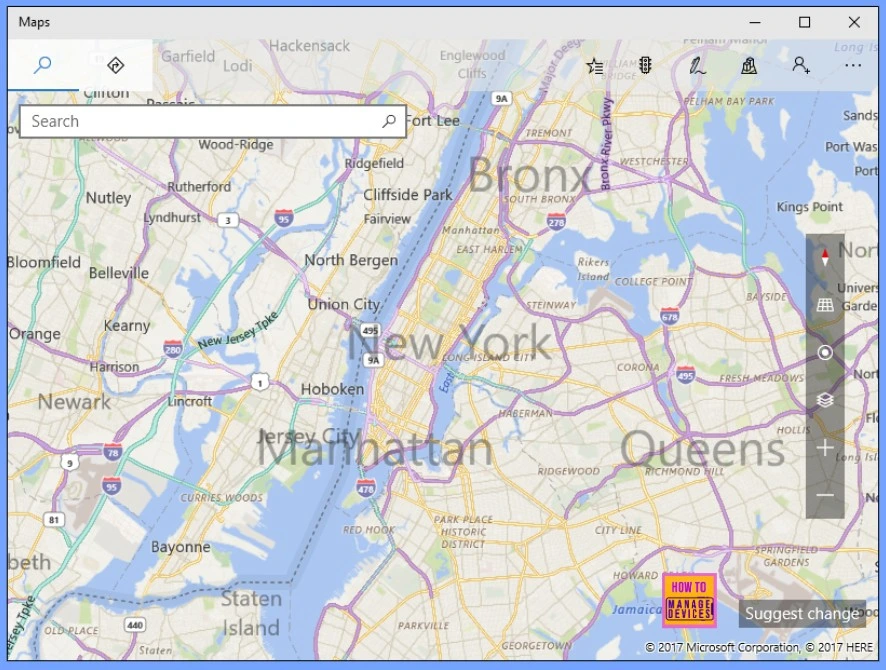
- How to Configure Offline Maps Download Over Metered Connection Policy using Intune
- Check for Offline Maps Updates in Windows
- Enable Offline Maps Auto Update using Intune Setting Catalog Policy
Why are these Features Being Deprecated?
In May 2024, Microsoft announced a big change they are combining Bing Maps for Enterprise with Azure Maps. This means both services are being merged into one modern platform: Azure Maps. From now on, Microsoft will focus only on Azure Maps for all business and enterprise mapping needs. As a result, older tools like the Windows UWP Map Control and Maps platform APIs are being phased out.
Why Is Azure Maps the Replacement?
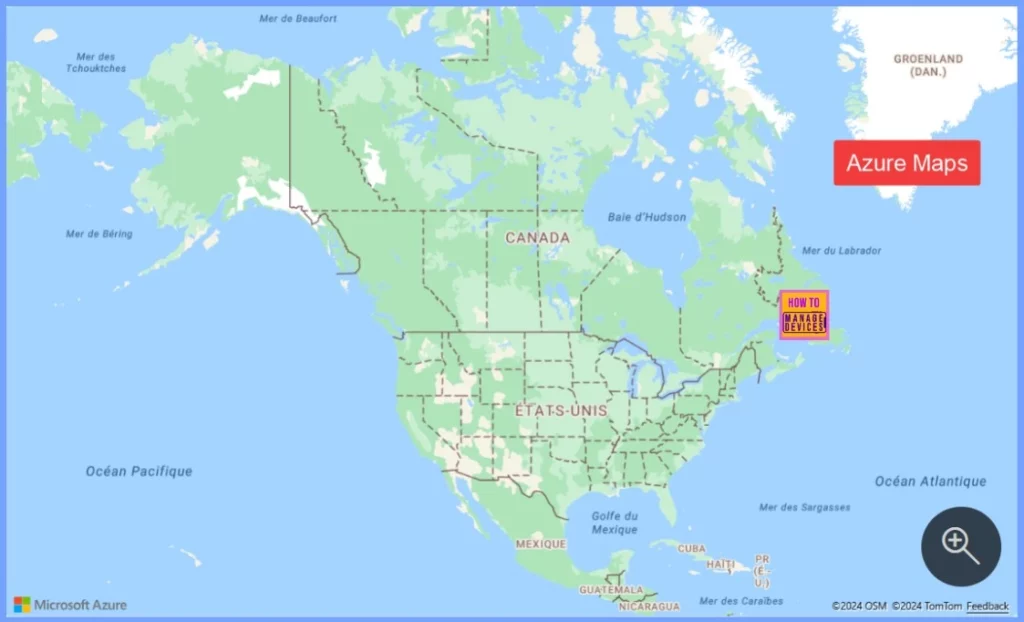
Azure Maps is a modern, cloud-based mapping platform. It’s designed to be more powerful and flexible than the older UWP Map control or Bing Maps for Enterprise. It is built for the following.
- Web and mobile applications
- Enterprise-scale solutions
- Integration with other Azure services
- Advanced features like real-time traffic, weather, geolocation, and more
Microsoft will Provide Help for Migration
Microsoft is providing resources and guidance to help with the transition to Azure Maps. This includes:
Migration guides, API reference documentation. Examples of how to replace UWP Map Control features with Azure Maps equivalents.
If you’re an IT professional or developer working with apps that use maps, this is your sign to get ready for changes. It’s time to check if your apps use the old Windows map features and start planning to switch to Azure Maps.
- Migrate from Bing Maps to Azure Maps
- Use the Azure Maps map control
- Azure Maps code samples
- Bing Maps Blog
- Azure Maps Blog
| Points to be Noted |
|---|
| Audit your existing apps |
| Identify any dependencies on UWP Map Control or Windows Maps APIs |
| Begin migrating those components to Azure Maps |
Need Further Assistance or Have Technical Questions?
Join the LinkedIn Page and Telegram group to get the latest step-by-step guides and news updates. Join our Meetup Page to participate in User group meetings. Also, Join the WhatsApp Community to get the latest news on Microsoft Technologies. We are there on Reddit as well.
Resources
Deprecated features in the Windows client | Microsoft Learn
Author
Anoop C Nair has been Microsoft MVP from 2015 onwards for 10 consecutive years! He is a Workplace Solution Architect with more than 22+ years of experience in Workplace technologies. He is also a Blogger, Speaker, and Local User Group Community leader. His primary focus is on Device Management technologies like SCCM and Intune. He writes about technologies like Intune, SCCM, Windows, Cloud PC, Windows, Entra, Microsoft Security, Career, etc.




Discussion