






WordPad App Removal from Windows is Announced by Microsoft
Microsoft has officially announced the WordPad App Removal from Windows. Do you know Wordpad has been part of Windows for over 30 years? Microsoft decided to stop updating Wordpad and slowly remove it from upcoming Windows versions.
Microsoft adds new features and functionality for every version of Windows. It’s not entirely removed, so you can use Wordpad before removing it from your operating system. Microsoft brings an excellent alternative for Wordpad that would be a more robust application than Wordpad.
Wordpad is a basic word-processing application that has been included in every new version of Windows. Microsoft Word has many features, including inserting tables, hyperlinks, images, and numbered lists.
Microsoft did not say any particular time limit or anything for removing wordpad. The Wordpad has been pre-installed in Windows since Windows 95; Microsoft Wordpad is a simple functional text editor.

- Microsoft is Planning to Remove VBScript from Windows Permanently
- AI-Powered Copilot in Word to Automate Creation of Complex Documents
- Copilot in Excel AI Integration to Automate Excel Tasks Coming Soon
What is Wordpad?
It can create and edit documents with rich text formatting, such as bold, italic, colored, and centered text.
When will Wordpad be Removed from Windows?
WordPad App Removal from Windows is Announced by Microsoft
Microsoft decided to stop updating Wordpad, It is no longer part of new Windows versions such as Windows 12. Microsoft is promoting new software as an alternative to Word, like Microsoft Word for documents and Notepad for text.
- Microsoft announced Wordpad is being removed from Window’s future version.
- It expected Wordpad would come with new features.
| Feature | Details and Mitigation | Deprecation Announced |
|---|---|---|
| WordPad | WordPad is no longer being updated and will be removed in a future release of Windows. We recommend Microsoft Word for rich text documents like .doc and .rtf and Windows Notepad for plain text documents like .txt. | September 1, 2023 |

WordPad in Windows
WordPad, a free basic word processor, has been part of the Windows operating system. Now Microsoft removed WordPad and stopped supporting it. Wordpad does not get more attention in Windows updates.
- It was updated with minor changes in Ribbon UI in Windows 7 and redesigned in Windows 8.
- In Windows 11, Wordpad still looks similar to the Wordpad in Windows 10.
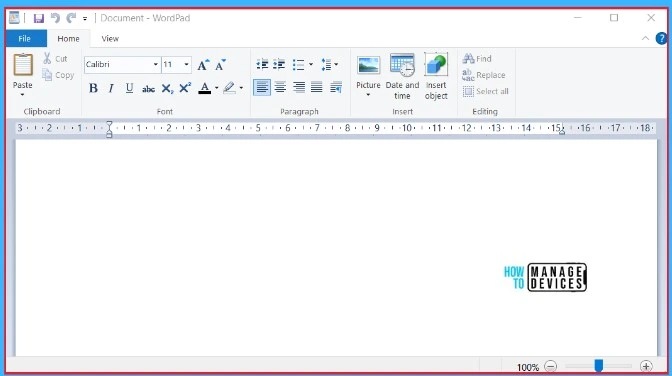
Wordpad is a simple text editor application pre–installed in every Windows version. There are many advanced features in Wordpad compared to Microsoft Word. The wordpad is continuing with the tools for simple text editing.
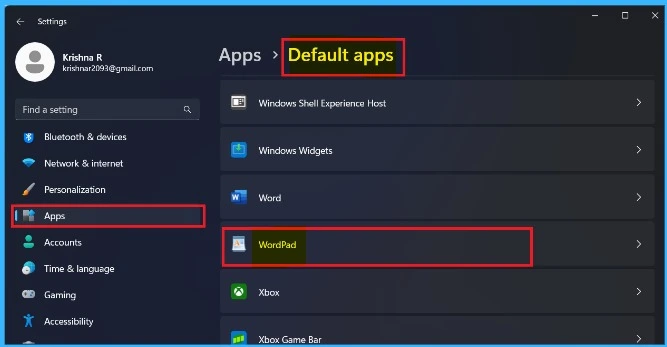
Alternatives For WordPad in Windows
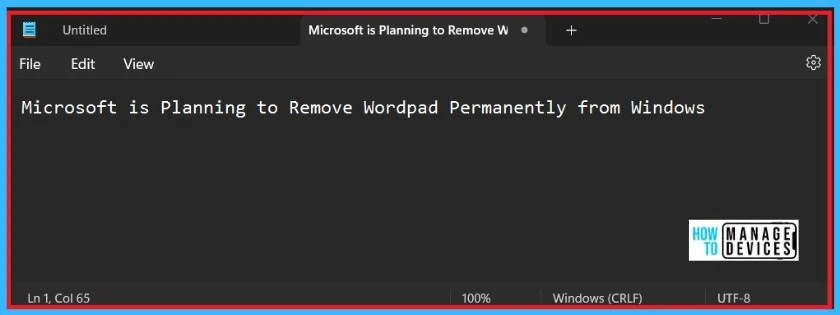
What next after the retirement of WordPad? Microsoft Word and Notepad is the best alternative for the WordPad. MS Word for Creating rich text documents like .doc and .rtf files, and Notepad for plain text.
Microsoft is updating Notepad with new features such as auto-save and automatic tabs restore. The redesigned Notepad for Windows 11 includes a number of changes in the UI that align with the new visual designs.
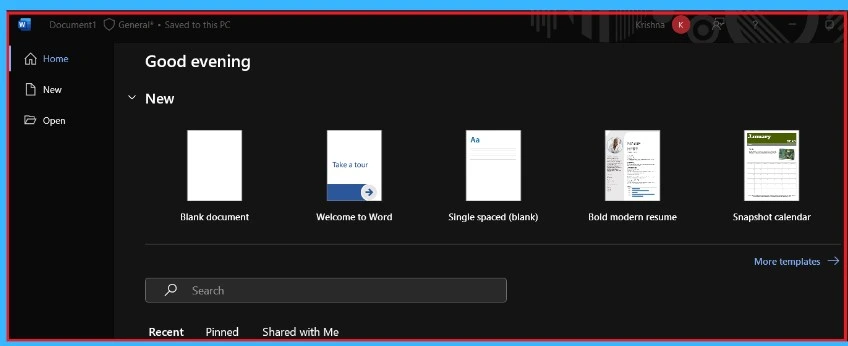
Microsoft Word has many more functions and features than WordPad; Word is a software that microsoft builds for processing words. It supports various operating systems like Windows, Mac, Android, etc. Word is supported in Windows 7 and higher.
Importance of the Retirement of WordPad
Removing WordPad from Windows has many perspectives, Some users find that it is useful and provides functional word-processing tools. However, the technology developed, and Microsoft focused on more feature-rich alternatives.
Deprecated features in the Windows client – What’s new in Windows | Microsoft Learn
We are on WhatsApp. To get the latest step-by-step guides and news updates, Join our Channel. Click here – HTMD WhatsApp.
Author
Krishna. R is a computer enthusiast. She loves writing on Windows 11 and related technologies. She likes to share her knowledge, quick tips, and tricks with Windows 11 or Windows 10 with the community.




Discussion