Skip to content
Azure Security Center How to Protect Your Modern Datacenter

Azure Security Center How to Protect Your Modern Datacenter

Written By Anoop C Nair
Last Updated June 28, 2024
Posted In Azure
SHARE

Learn about Azure Security Center: How to Protect Your Datacenter with Next-Generation Security. Cloud security is the number one priority for all organizations.

Azure Security Center is a unified infrastructure security management system that strengthens the security posture of your data centres. It provides advanced threat protection across your hybrid workloads in the cloud—whether they’re in Azure or not—and on-premises. More details are here.

Index
Learn More – Azure Security Center Webinar
Content
Register
Azure Security Center How to Protect Your Modern Datacenter – Table.1

Learn More – Azure Security Center Webinar

Security is a major concern for IT admins, and if you’re responsible for important workloads hosted in Azure, you need to know your security is as tight as possible.

In this free webinar, presented by Thomas Maurer, Senior Cloud Advocate on the Microsoft Azure Engineering Team, and Microsoft MVP Andy Syrewicze, you will learn how to use the Security Center to protect your cloud environment.

Patch My PC

The following video features the welcome message from Andy Syrewicze for My Readers – Azure Security Center Webinar 1.

Azure Security Center How to Protect Your Modern Datacenter – Video

Content

The webinar covers the following topics:

  • Introductions
  • Deployment and first steps
  • Best practices
  • Integration with other tools
  • And more!

This webinar is necessary if you are responsible for important workloads hosted in Azure.

  • Webinar: Azure Security Center: How to Protect Your Datacenter with Next-Generation Security
  • Date: Tuesday, 30th July
  • Time: Webinar presented live twice on the day. Choose your preferred time:
    • 2pm CEST / 5am PDT / 8am EDT
    • 7pm CEST / 10am PDT / 1pm EDT

Register

Register to the Azure Security Center webinar – Save your seat.
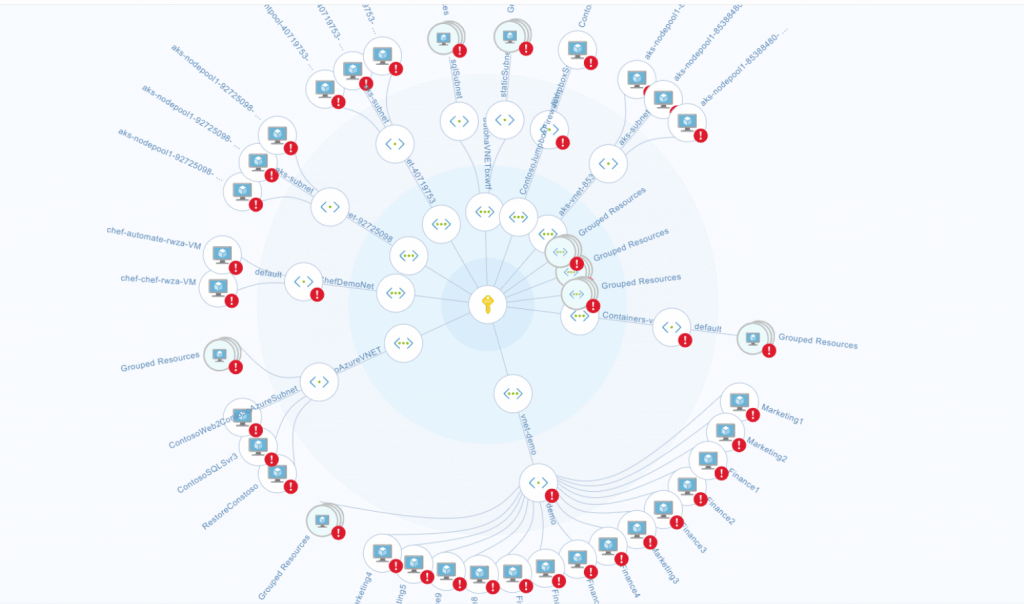
Azure Security Center How to Protect Your Modern Datacenter - Fig.1
Azure Security Center How to Protect Your Modern Datacenter – Fig.1

We are on WhatsApp. To get the latest step-by-step guides and news updates, Join our Channel. Click here –HTMD WhatsApp.

Author

Anoop C Nair is Microsoft MVP! He is a Device Management Admin with more than 20 years of experience (calculation done in 2021) in IT. He is a Blogger, Speaker, and Local User Group HTMD Community leader. His main focus is on Device Management technologies like SCCM 2012, Current Branch, and Intune. He writes about ConfigMgr, Windows 11, Windows 10, Azure AD, Microsoft Intune, Windows 365, AVD, etc

Written by

Anoop C Nair is Workplace Technology solution architect with 25+ years of experience in global enterprise organizations such as JP Morgan, Capgemini, etc. Microsoft Certified Trainer. Microsoft MVP from 2015 onwards for consecutive 11+ years! He also conducts Intune and modern workplace tech training for enterprise organizations. He is Blogger, Speaker, and Founder of HTMD Community and HTMD Conference. His main focus is on Device Management technologies like Intune, Windows, Cloud PC. He writes about technologies like Intune, SCCM, Windows, Cloud PC, Windows, Entra, Microsoft Security.

Discussion

Join the discussion

Your email address will not be published. Required fields are marked *

Related guides

Azure

Azure Files Goes Cloud-Native with Entra-Only Identities and Managed Identities

Key Takeaways Managed Identity and Entra-Only identities for Azure Files help organizations build a fully cloud-native and secure storage environment by removing the need for passwords, storage account keys, on-premises Active Directory, or hybrid identity infrastructure. With native Microsoft Entra ID authentication, applications, virtual machines, and users can securely access Azure Files using identity-based authentication […]

AC Anoop C Nair 4 min read
Azure

Microsoft Dev Box Moves to Maintenance Mode as Windows 365 Takes Lead for Developer Scenarios

key Takeaways: Let’s discuss about Microsoft Dev Box Moves to Maintenance Mode as Windows 365 Takes Lead for Developer Scenarios. Microsoft announced the Maintenance mode in Dev Box, and no additional features are planned. Microsoft’s investments for developer cloud environments are focused on Windows 365, which provides a unified, scalable solution for developer scenarios. Microsoft […]

AC Anoop C Nair 3 min read
Azure

Multi-Zone Management Platform Architecture for Windows Cloud Solutions

Key Takeaways Multi-Zone Management Platform Architecture for Windows Cloud Solutions! This architecture highlights the core MicrosoftMicrosoft Azure components used to host and deliver Cloud PC services. To ensure high availability and reliability, the infrastructure is distributed across multiple availability zones within each region. This design helps protect the service from zonal outages and keeps workloads […]

AC Anoop C Nair 4 min read
Azure

How to Protect and Recover your Infrastructure with Azure Site Recovery

Key Takeaways Azure Site Recovery is a disaster-recovery service in Microsoft Azure that helps keep your applications running if a cloud region fails. Normally, your virtual machines (VMs) run in one region. ASR creates a copy of those machines in another region so that if the main region goes down, your services can continue running […]

AC Anoop C Nair 4 min read