






Copilot in PowerPoint Turn Word Docs into Powerpoint Automatically
Let’s discuss the Copilot in PowerPoint Turn Word Docs into Powerpoint Automatically. Let’s check what you can automate with AI-Powered Copilot in PPT. We shared this news on 17th March via YouTube shorts.
Microsoft Introducing Microsoft 365 Copilot, bringing the power of next-generation AI to work. The Copilot feature is available in Word, Excel, Outlook, etc. Copilot is very useful and helpful, and it will increase productivity.
Copilot helps you to simplify the process of designing and formatting slides. It combines the power of large language models (LLMs) with your data in the Microsoft Graph and the Microsoft 365 apps to turn your words into the most powerful productivity tool.
Copilot is a powerful tool integrated into PowerPoint that helps you to offer several features to create engaging and visually appealing presentations. The Copilot in Powerpoint helps simplify the process of designing and formatting slides.

Copilot in PowerPoint
Copilot in PowerPoint helps you create beautiful presentations with a simple prompt and allows you to add relevant content to a document. Copilot will fundamentally change how people work with AI and how AI works with people.
The feature of Copilot is its ability to suggest design ideas based on the content of a slide. Copilot will provide a range of design options to choose from. This will help you save time and allow users to create professional-looking presentations even if they are not design experts.
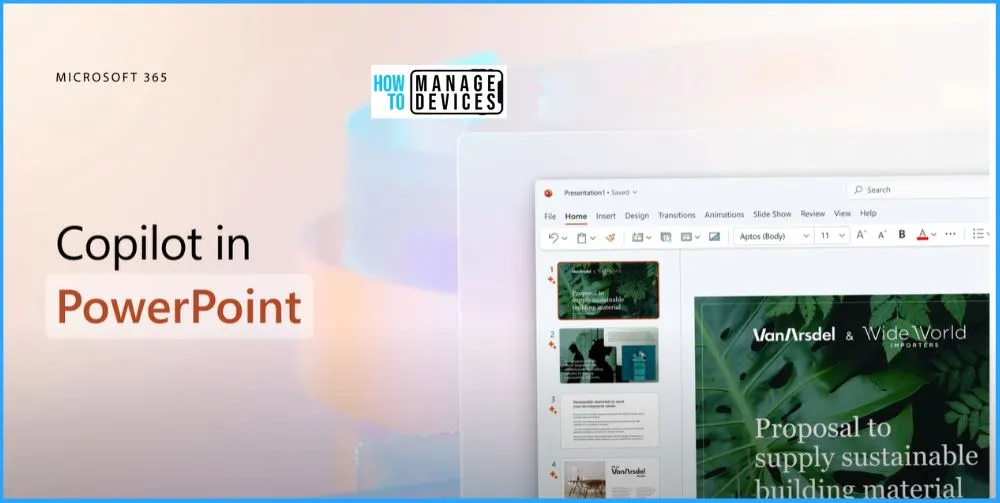
Copilot can Translate Word Docs into Powerpoint
With the help of Copilot, you can easily translate Word into Powerpoint and PowerPoint into Word. Now you can use your own words; Copilot can translate Word into Powerpoint and can also translate PowerPoint into Word.
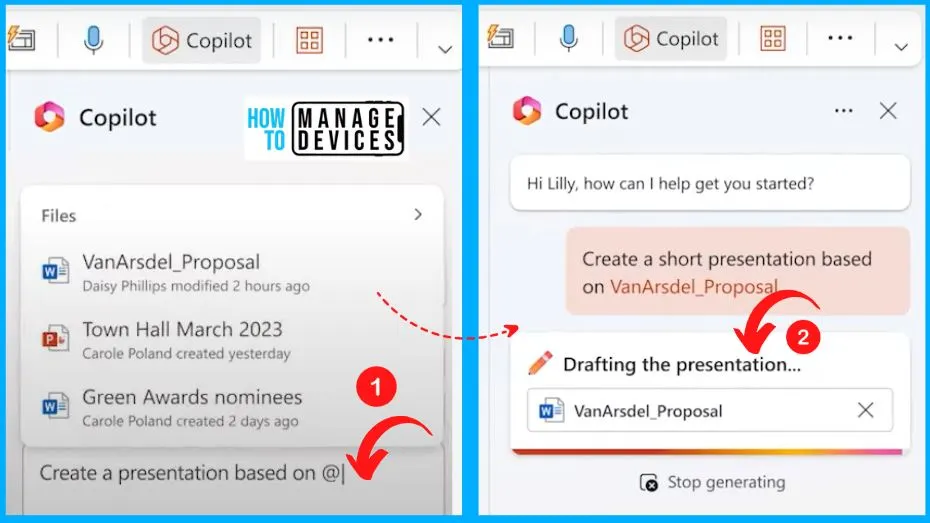
Copilot Provides a Professional Looking Presentation
Copilot Provides a Professional looking presentation. Everyone has had a moment when they wish to turn their proposal into a customer-ready presentation without starting from scratch. Copilot offers formatting recommendations that help users improve their slides’ readability and visual impact.
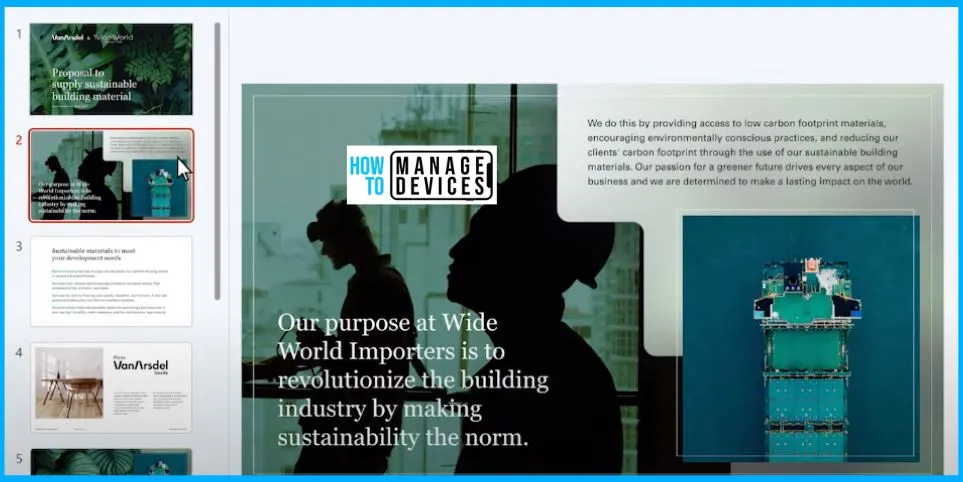
Detailed Visual Representation of Some of the Slides
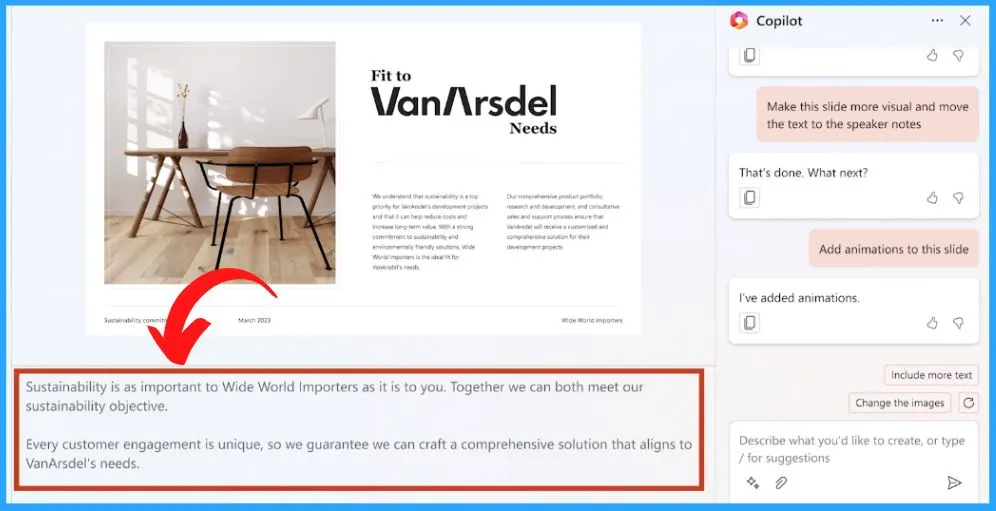
Copilot in PowerPoint provides a clear Visual representation of some of the slides. Let’s ask Copilot to make it more visual. Give it a few seconds, and check this out. There are different things that we can do with Copilot in Powerpoint.
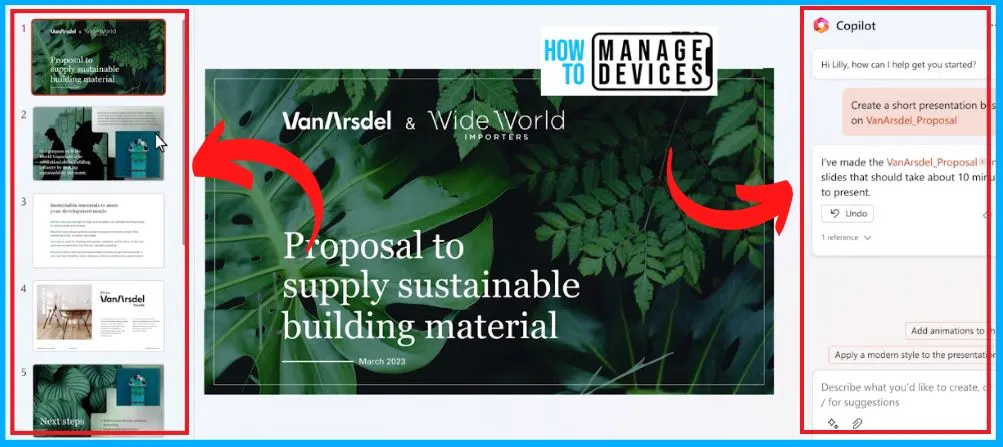
Add the Animations to PowerPoint
Interestingly you can immediately add the animations as well with the Copilot. Copilot can even animate the slide. It gives it a professional design treatment in a single click. Copilot can suggest data visualizations based on the content of a slide.

Speaker Notes are Available Automatically on PowerPoint
Copilot even generates speaker notes for all your slides. It’s not only a time saver; It’s helping you be a better presenter. There are speaker notes also automatically available with the help of Copilots. These are very interesting topics that will help us in Powerpoint with Copilot.
Author
About Author – Vidya is a computer enthusiast. She is here to share quick tips and tricks with Windows 11 or Windows 10 users. She loves writing on Windows 11 and related technologies. She is also keen to find solutions and write about day-to-day tech problems.




Discussion