





How Edge for Business Protects Users Across Every Device and Workplace
Key Takeaways
- Edge for Business keeps all your devices safe.
- Your team is protected anywhere they work.
- Strong login security keeps devices secure.
- You can control what can be done in the browser.
- AI tools help keep data safe and work smooth.
Hey, let’s discuss about How Edge for Business Protects Users Across Every Device and Workplace. Keeping your data and team safe is simple. Whether at the office, at home, or on the go, your business security stays covered. From company devices to BYOD, third-party gadgets, and mobile, we’ve got it all protected.
Table of Contents
How Edge for Business Protects Users Across Every Device and Workplace
Experience Edge for Business security in action. Strong authentication protects both managed and unmanaged devices, keeping your data safe wherever it’s accessed. Manage usage rights directly in the browser not just on the desktop and leverage next-generation AI safety features to secure your business.
- Edge For Business Presents A Secure Enterprise AI Browser Built For Modern Work
- Enable In-Browser Protection with Microsoft Edge for Business to Securing Cloud Apps Without Proxies
- Enable Super Drag Drop in Microsoft Edge to Control User Navigation and Search using Intune
- Enable Extensions Reporting Policy in Microsoft Edge for Sending Data about Extensions using Intune
Secure Every Device with Strong Authentication
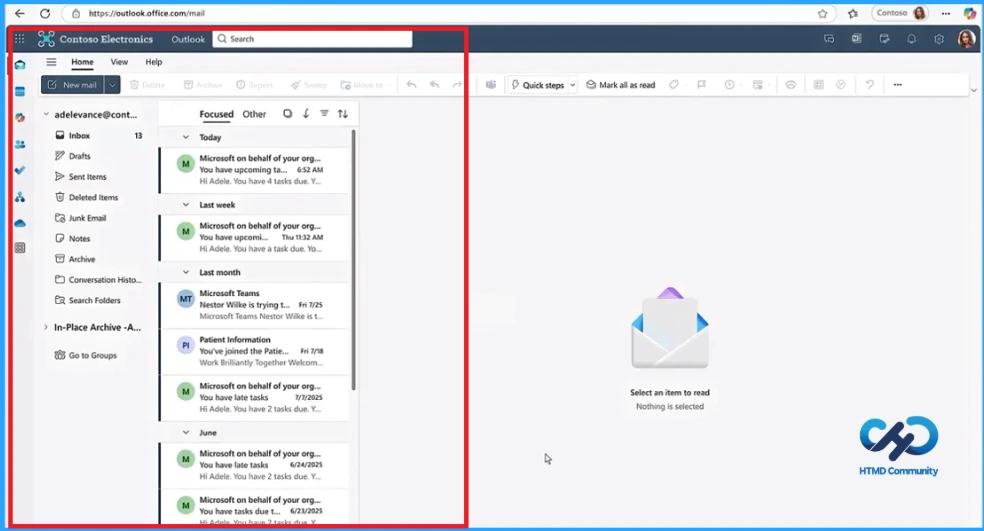
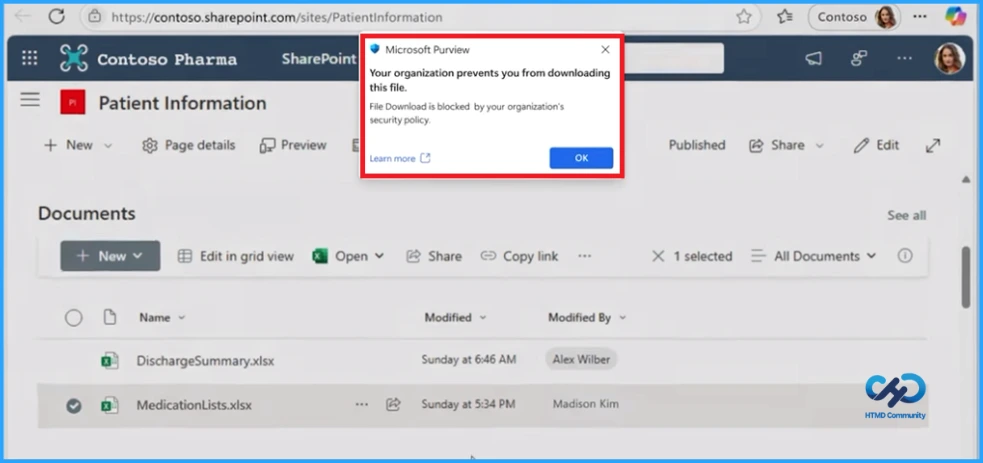
Protect your data even on personal devices without any extra setup. You can easily monitor or prevent your team from downloading sensitive files, taking screenshots, or copying company data to their personal devices.
Protect your Data on BYOD
With BYOD becoming standard, keeping work resources safe on personal devices is essential. Edge for Business provides a secure foundation, so your team can stay productive on any device without compromising security.

Control Usage Rights in the Browser
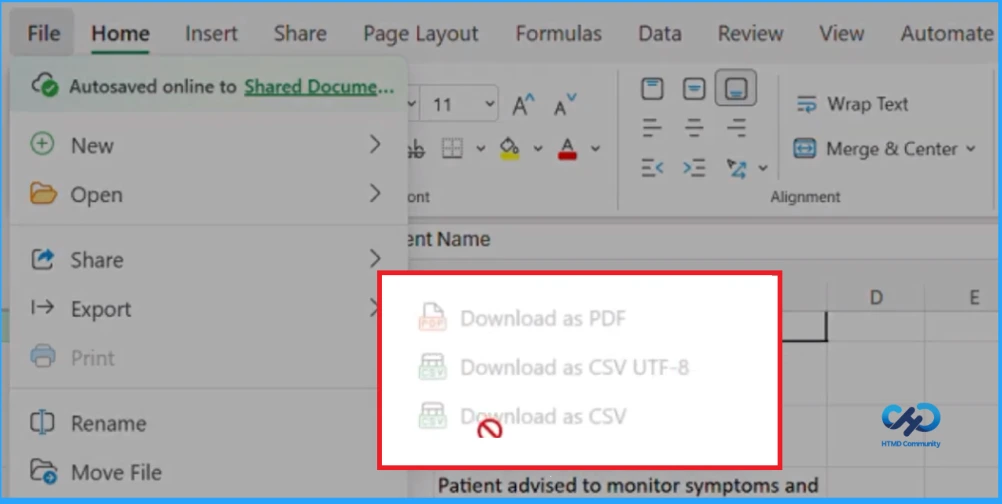
Edge for Business is the only browser that brings Microsoft Purview sensitivity labels directly into your browsing experience. This ensures that sensitive information in Word, Excel, and PowerPoint files stays protected whether you’re working on the desktop or in the browser.
Next Generation AI Safety
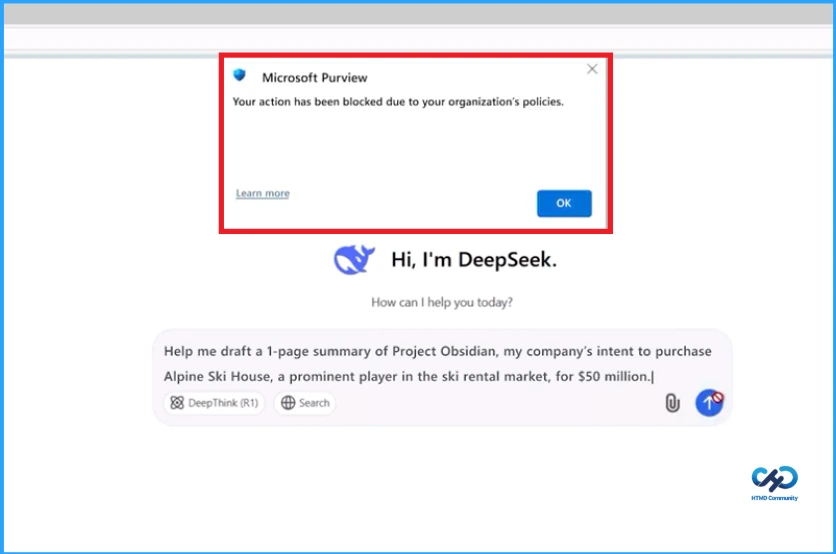
Keeping sensitive data safe on unapproved GenAI apps doesn’t have to be complicated. Edge for Business comes with smart, content aware controls that block risky prompts, so your team stays protected without slowing down productivity.
Need Further Assistance or Have Technical Questions?
Join the LinkedIn Page and Telegram group to get the step-by-step guides and news updates. Join our Meetup Page to participate in User group meetings. Also, Join the WhatsApp Community and WhatsApp Channel to get the latest news on Microsoft Technologies. We are there on Reddit as well.
Author
Anoop C Nair has been Microsoft MVP for 10 consecutive years from 2015 onwards. He is a Workplace Solution Architect with more than 22+ years of experience in Workplace technologies. He is a Blogger, Speaker, and Local User Group Community leader. His primary focus is on Device Management technologies like SCCM and Intune. He writes about technologies like Intune, SCCM, Windows, Cloud PC, Windows, Entra, Microsoft Security, Career, etc.


Discussion