






How to Fix Intune Android App Installation Error 0xC7D14FB1
Today, we are discussing on how to fix Intune Android App Installation Error 0xC7D14FB1. As we know how Intune manage devices for organisations. In those times, app installation may fail like this. Here, the error shows a code that is 0xC7D14FB.
Microsoft know about this error code 0xC7D14FB1, which usually happens when the user cancels the app installation Prompt. This error indicates that the end user cancelled the app installation during the Android OS installation process.
The main reason for this error is that the user cancels the app install. When the device shows a prompt to install the app, and the user chooses cancel that the installation fails and gets the error code 0xC7D14FB1. This issue is more common on devices using an older management method called Device Admin (DA).
Here we have to check why this error happens during the app’s installation and how it is resolved. There are some methods to avoid this type of error and make app deployment smoother for both users and IT Admins. So let’s look at how this error happens and what steps we have to take.

How to Fix Intune Android App Installation Error 0xC7D14FB1
Above, we discussed a lot of things about the Android App Installation Error 0xC7D14FB1. In the MS document, it shows that explicitly uninstalled the app. This error is returned when the Android OS install activity was cancelled by the user.
- The user pressed the cancel button when the OS install prompt was presented or clicked away from the prompt.
- Migrate Devices Enrolled in Device Admin Mode to Android for Work in Intune in Easy Steps
- How to Fix Intune Android App Installation Error 0xC7D14FB2
- Samsung Knox API Deprecation Impacts Intune Settings for Android Device Administrator Managed Devices
How Device Admin Causes This Issue
In the MS docs, it mentions that this error is returned for only DA scenarios. This issue is more common on devices using an older management method called Device Admin. In DA, app installations are not automatic and the user must allow them manually. If they don’t, the install fails.
This error happens for many reasons. When the app is installed through the Device admin, this error may happen. Above, I mentioned that the app installation is a manual process. In the DA scenario, the phone asks the user to tap Install. If the user cancels or ignores this, the app fails to install, and you get the error 0xC7D14FB1. This is the most common reason for this error.
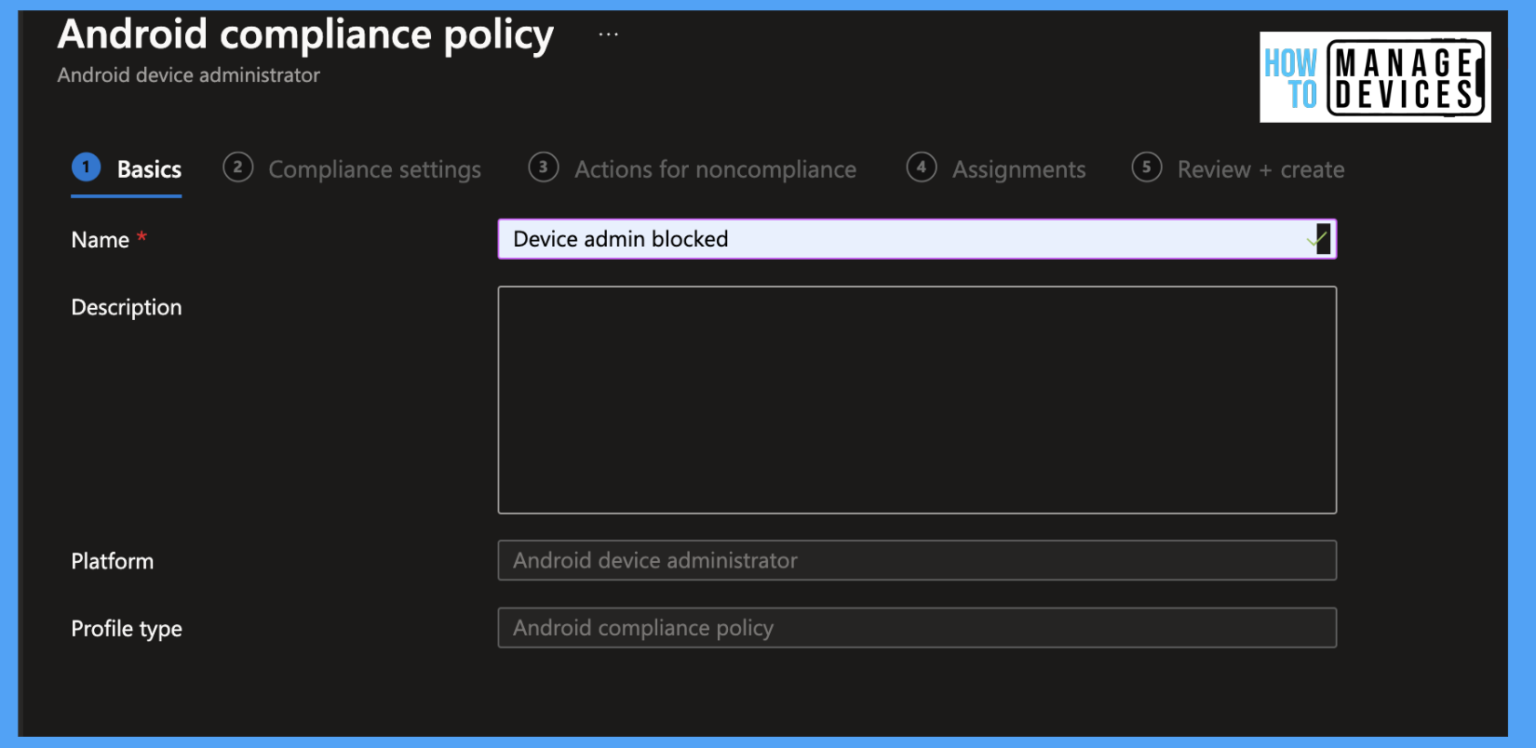
- The below screenshot is from our post How to Block Device Admin Mode Enrollments
See More: If you want to know more details about this post you can click on the link. Migrate Devices Enrolled in Device Admin Mode to Android for Work in Intune Easy Steps
Causes of this Issue
The another cause, other than the Device admins, and the user clicking on the cancell notification through the app installation time or the User ignored the install prompt and it timed out. When the installation approving notifications not get to the user.
| Important Causes |
|---|
| The device is not using Android Enterprise or Samsung Knox, so installs are not silent |
| Phone was slow or had network issues for the user |
| The phone is using the old method Device Admin, which needs user action to install. |
Workaround through the Knox Scenerio
There are some wokaround suggessions for you, the first one is is Knox ( Samsug Knox) this is very helpful and it allows to install the apps silently and their is not to approve any notifications.
- Migrate from Device Admin to Android Enterprise Work Profile or Fully Managed to allow silent installations without user interaction.
- If the network is very low that might be a reason so always enusure the Network connection and reinstall the application again affter solving net conncetions.
Need Further Assistance or Have Technical Questions?
Join the LinkedIn Page and Telegram group to get the latest step-by-step guides and news updates. Join our Meetup Page to participate in User group meetings. Also, join the WhatsApp Community to get the latest news on Microsoft Technologies. We are there on Reddit as well.
Author
Anoop C Nair has been Microsoft MVP for 10 consecutive years from 2015 onwards. He is a Workplace Solution Architect with more than 22+ years of experience in Workplace technologies. He is a Blogger, Speaker, and Local User Group Community leader. His primary focus is on Device Management technologies like SCCM and Intune. He writes about technologies like Intune, SCCM, Windows, Cloud PC, Windows, Entra, Microsoft Security, Career, etc.


Discussion