






Why Microsoft Intune Lists Stop Loading After 300 Items | Issue | Fix
Hey everyone, today we are going to talk about Why Microsoft Intune Lists Stop Loading After 300 Items. As we all know that many issues happened to a Portal that’s normal but sometimes it would be very confusing for those who manage devices.
Recently some admins were reported that when viewing lists such as apps or devices the page stops showing more items after about 300. This happens in different web browsers and in different tenants. Recently some of the admins share this issue on social media.
They say that even though the full data is still stored in the system, the Intune web page doesn’t show anything after the first 300 items. As usual Microsoft Intune shows all the device details in the list but there no list after filtering them.
Some users are having problems when their lists grow to more than 300 items in certain platforms. The list stops loading, shows errors, and this happens in different browsers and accounts, so it’s a problem with the platform, not with the user’s settings.


Table of Contents
Why Microsoft Intune Lists Stop Loading After 300 Items
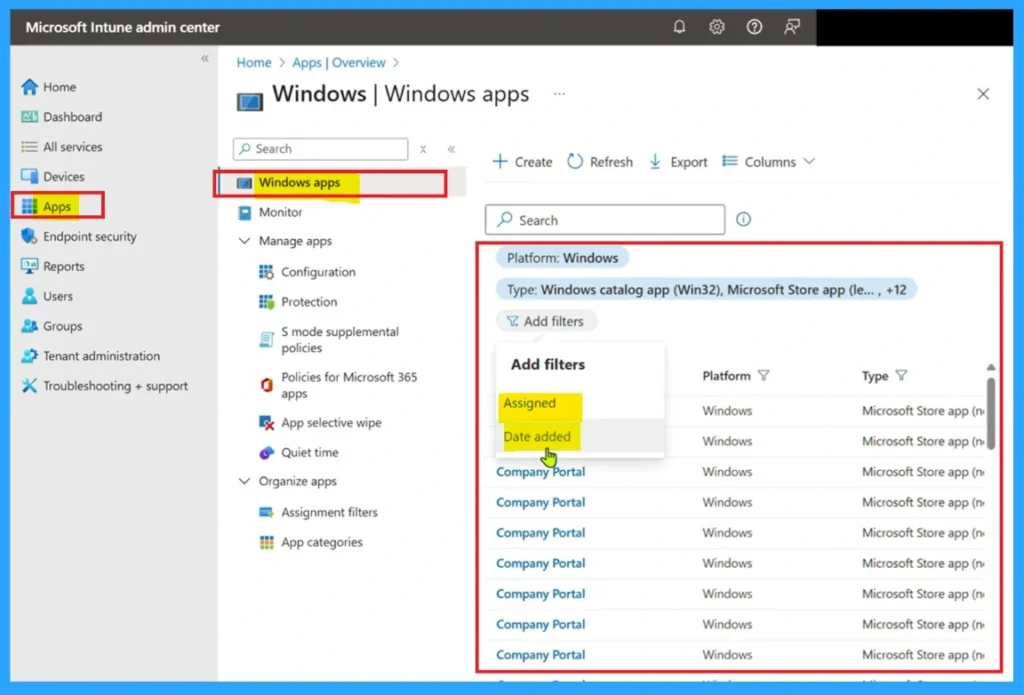
Above we discussed the issue now going on to the Intune admin portal such as user interface have a bug in the Microsoft Intune admin portal where lists stop displaying items after 300 items. If the admins view the large lists such as apps, devices, or policies in Intune,Only the first 300 items appear, even if more items exist.
- This is very complicated for the admins to not locate a device or app in the Intune.
- Also the Filters not working properly.
- In the filter option there would be a chance to find out the device names from the list.
| Causes of the Issue |
|---|
| Some times Intune set limits for loading list or data after some specific value. |
| The user interface may struggle to display large data sets smoothly. |
| Browsers can lag or crash when trying view too many items at once. |
| If it may be a network issue( In this case I don’t think this is the cause) |
- Free Community Tool to Self Fix Intune Problems Issues
- How to Fix Intune Win32 App Deployment Failures with Error 0x87D30067
- Troubleshooting Locate Device Greyed Out for Corporate Android Devices in Intune
Workarounds – API Limits
In MS Intune when you can view some list of apps and devices it does not shows after a limit and this will be very confusing for those admins. Sometimes there will be a built-in limit that only allows 300 items at a time.
Network Issue
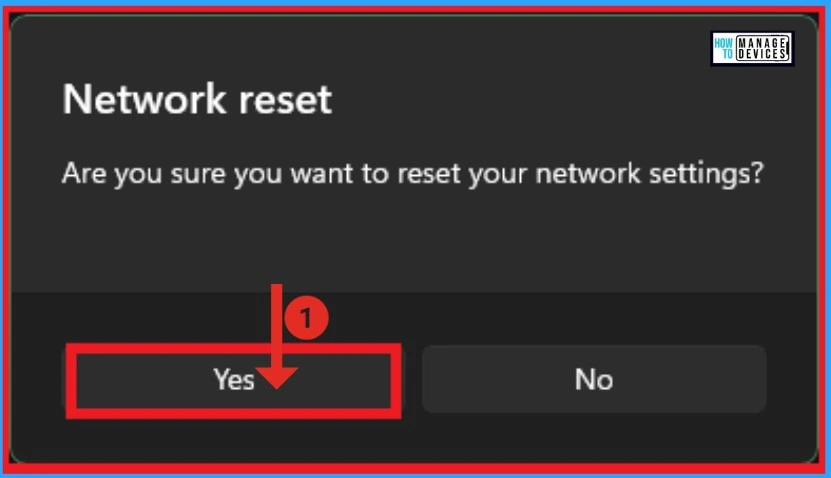
Sometimes network issue may be a reason for those issues. When network goes down some times things may not work properly. This list is in large size so it make take some to load. Is that a the network issue so you can at last step you can take a network rest.
- You can also close the Intune Portal and wait for sometime to resolve the issue.
Read More: Reset Network Adapters in Windows 11 FIX Connection Issues
Need Further Assistance or Have Technical Questions?
Join the LinkedIn Page and Telegram group to get the latest step-by-step guides and news updates. Join our Meetup Page to participate in User group meetings. Also, join the WhatsApp Community to get the latest news on Microsoft Technologies. We are there on Reddit as well. You can see these details have been discussed in Reddit and other social media forums.
Author
Anoop C Nair has been Microsoft MVP for 10 consecutive years from 2015 onwards. He is a Workplace Solution Architect with more than 22+ years of experience in Workplace technologies. He is a Blogger, Speaker, and Local User Group Community leader. His primary focus is on Device Management technologies like SCCM and Intune. He writes about technologies like Intune, SCCM, Windows, Cloud PC, Windows, Entra, Microsoft Security, Career, etc.


Discussion