






Microsoft Ends Support for Running Android Apps on Windows 11
Attention! Microsoft Ends Support for Running Android Apps on Windows 11. Microsoft has officially announced the discontinuation of the Windows Subsystem for Android (WSA) feature in Windows 11. Microsoft announced this decision may be applied next year.
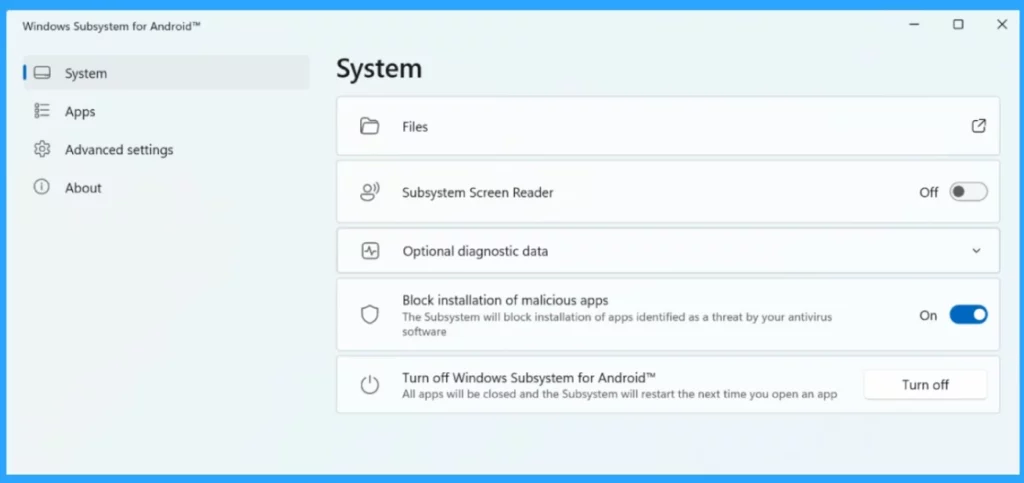
This decision ends an era for users who enjoy running Android apps on Windows PCs. Windows 11, Microsoft’s latest operating system, lets you run Android apps on your PC. Windows Subsystem for Android (WSA) is an official Microsoft feature that allows Windows 11 users to run Android apps on their devices.
The Windows Subsystem aims to allow Windows 11 users to run their favourite Android apps directly on their PCs with regular Windows applications. In 2021, Windows 11 officially supported Android apps through the Windows Subsystem for Android (WSA). With the help of WSA, users can install and run a wide range of Android apps.
On the specific date of discontinuation, all the apps and games that depend on its subsystem for Android apps will no longer be available. Microsoft is ending support for the WSA, but it doesn’t mean that running Android apps on Windows is impossible.


- Manage Windows Subsystem for Linux using Intune Policy
- Use Microsoft Copilot with any App on Android and iOS Devices
Microsoft Ends Support for Running Android Apps on Windows 11
Microsoft has announced that Windows 11 will no longer support Android apps on Windows 11 starting from March 5, 2025. This statement is revealed in a Microsoft document for ”Windows Subsystem for Android”.
| Important Announcement from Microsoft |
|---|
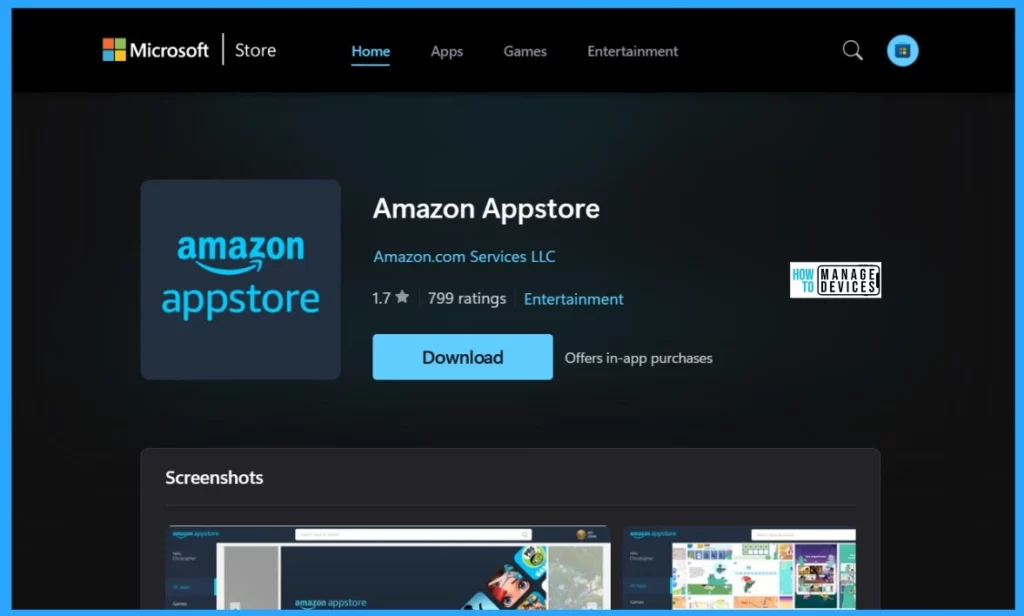
| Microsoft will discontinue support for the Windows Subsystem for Android (WSA) on March 5, 2025. As a result, the Amazon Appstore on Windows and all apps dependent on WSA will no longer be supported. Users who installed the Amazon Appstore or Android apps before March 5, 2024, will retain access until the deprecation date. Technical support will remain available until then. |
Windows Subsystem for Android (WSA)
This feature allowed users to install and use Android apps on Windows 11. Users could access Android apps through the Amazon Appstore, which collaborated with Microsoft.
- Users who have already installed the Amazon App Store or Android apps will continue to have access to those apps until March 5, 2025. After that date, access will be restricted.
- Amazon will no longer allow new users to download the Amazon Appstore from the Microsoft Store.
See More: Windows 11 Cloud PC Enable Windows Subsystem for Linux Android Sandbox and Hyper-V
- Android AOSP Devices Support with Intune
- Microsoft Edge Drop to Share files in Windows Android and iOS
The sudden announcement that WSA would be discontinuing meant that existing installations would continue functioning until March 5, 2025, and new app installations would no longer be supported. Also, Developers won’t be able to submit updates for their Android apps after March 5, 2024.
- Developers can continue to roll out updates for existing installations until the discontinuation date.
Latest News:
- Learn About 8 Common Cyber Security Threats
- Microsoft is Killing AzureAD MSOnline Powershell Modules
- Conflict Errors in Outlook When Updating or Cancelling Meetings
- New Widget Updates in Windows 11 Moment 5 Review
- Start Menu Upgrade in Windows 11 Moment 5 Update
Reference
We are on WhatsApp now. To get the latest step-by-step guides, news, and updates, Join our Channel. Click here. HTMD WhatsApp.
Author
Krishna. R is a computer enthusiast. She loves writing about Windows 11 and Intune-related technologies and sharing her knowledge, quick tips, and tricks about Windows 11 or 10 with the community.




Discussion