






Breaking News! New Banner Notification on Teams Classic Client. In a recent announcement, Microsoft revealed that the original version (OG) of Microsoft Teams will retire on March 31, 2024. This marks a significant transition for users of the classic Teams interface.
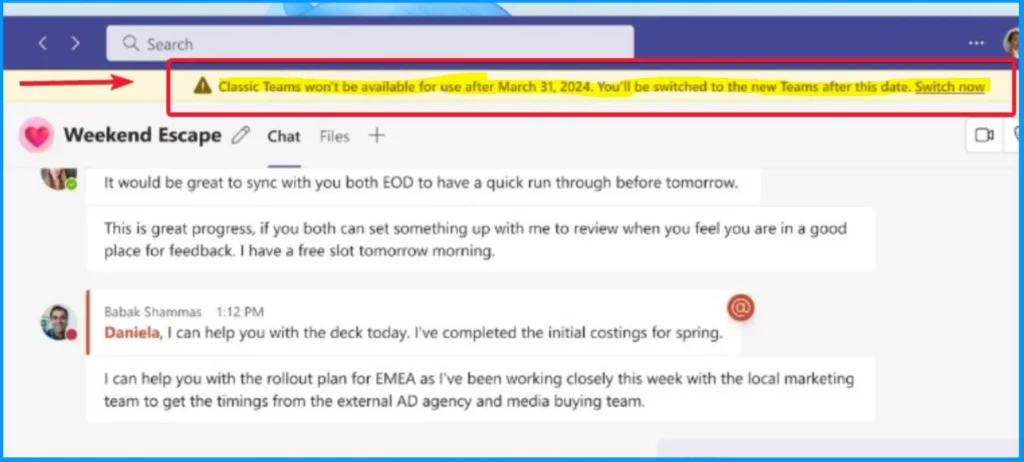
Get ready within 75 days until the new Microsoft Teams client cutover. Starting on February 1, classic Teams users will get a banner to remind them about the update timeline. You can dismiss this banner, but it will reappear with each Team’s client launch.
If any user is not manually updated to the new Teams version, It will be automatically migrated after the retirement date. Before the retirement date, users are encouraged to stay informed and take proactive steps to transition smoothly to the new Microsoft Teams.
Microsoft took action in mid-April 2023 by retiring the Microsoft Teams Free (classic) license. IT admins must ensure timely migration to paid licenses to maintain uninterrupted user access.


- New Microsoft Teams Client Application is GA | Teams Admin Center Policy for New Client Rollout
- New Microsoft Teams Client Faster with Latest Architecture
Can Users Dismiss the Update Notifications?
Users can dismiss update notifications, but it is important to note that these notifications reappear with each Teams client launch.
New Banner Notification on Teams Classic Client
The retirement of Microsoft Team is a part of Microsoft’s ongoing efforts to provide users with an enhanced and updated Teams experience. It ensures access to the latest features and improvements.
While launching the MS Teams, you get a new notification that the “Classic Teams won’t be available for use after March 2024. You will be switched to the new Team after this date.”
Enhanced Performance of the New Teams
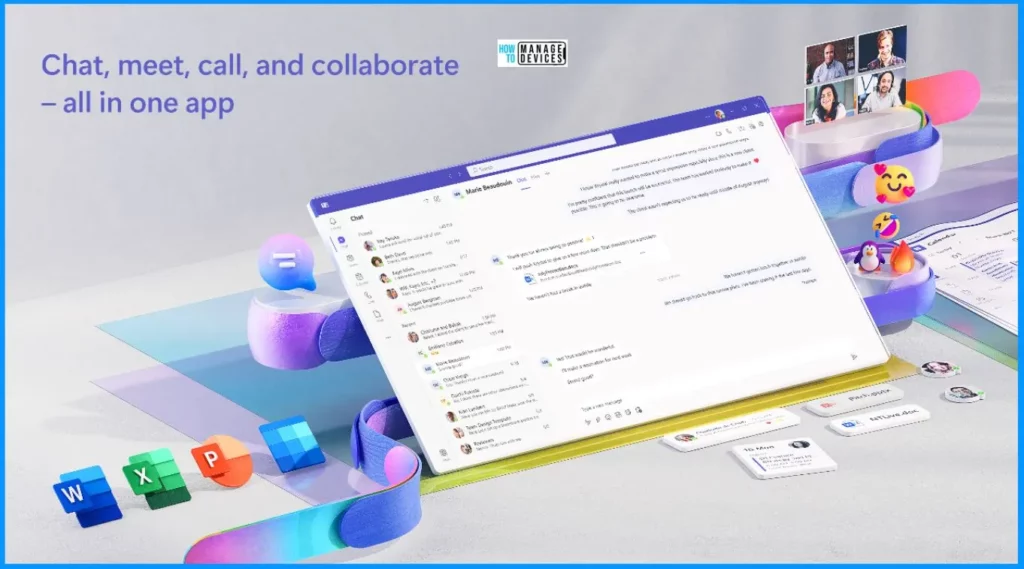
The new classic Team provide you with many positive changes. It offers double the performance of the older version. No additional training is needed for the new Team. The new Team successfully addresses and resolves all reliability issues. It ensures a smoother and more reliable user experience. Upgrade to the new Teams for better performance.
Method for Transitioning Teams Licenses
Different methods are available for Transitioning from Teams Free (classic) licenses to paid Teams licenses. They are as follows.
- Using the Microsoft 365 admin center
- Using Microsoft PowerShell
For detailed instructions and more information, refer to the Microsoft documentation on the transition process.
Retire Microsoft Teams Free (classic) for your organization – Microsoft Teams | Microsoft Learn
We are on WhatsApp now. To get the latest step-by-step guides, news, and updates, Join our Channel. Click here. HTMD WhatsApp.
Author
About the Author – Vidya is a computer enthusiast. She is here to share quick tips and tricks with Windows 11 or Windows 10 users. She loves writing on Windows 11 and related technologies. She is also keen to find solutions and write about day-to-day tech problems.




Discussion