






Unknown Caller? Outlook for iOS and the BYOD Challenge
Today we are discussing Unknown Caller? Outlook for iOS and the BYOD Challenge. Caller identification is a basic feature we all expect on our phones. When someone calls, we want to see their name, not just a number. It helps us know whether we should answer and makes communication easier in both personal and work life.
In many Organizations, employees use their iPhones for checking office emails, calling teammates, and talking to customers. Because of this, apps like Outlook for iOS are very important. People depend on them every day. Everyone expects the app to show the caller’s name when someone from work calls, just like normal contact saved on the phone.
But the problem begins when users find out that Outlook for iOS does not show names for work contacts during incoming calls. Even though Outlook has all the contact details inside the app, the iPhone cannot read them to display the caller’s name. Users often try exporting these contacts to the iPhone’s main Contacts app, but this is not safe for company data.
This issue becomes clear in BYOD setups, where employees use their personal phones for office work. They may receive calls from colleagues, but the phone only shows Unknown Caller. It is confusing and makes daily work harder. The main reason behind this problem is how iPhones and Outlook handle contact data differently.

Table of Contents
Unknown Caller? Outlook for iOS and the BYOD Challenge
let’s look at why this happens. Outlook keeps all work contacts inside a secure, locked area of the app. This is good for security because it keeps organized data safe. But the iPhone cannot see inside this secure area. When someone calls, the iPhone only checks the contacts saved in the phone’s main Contacts app. Since Outlook contacts are hidden, the phone cannot match the number to a name.
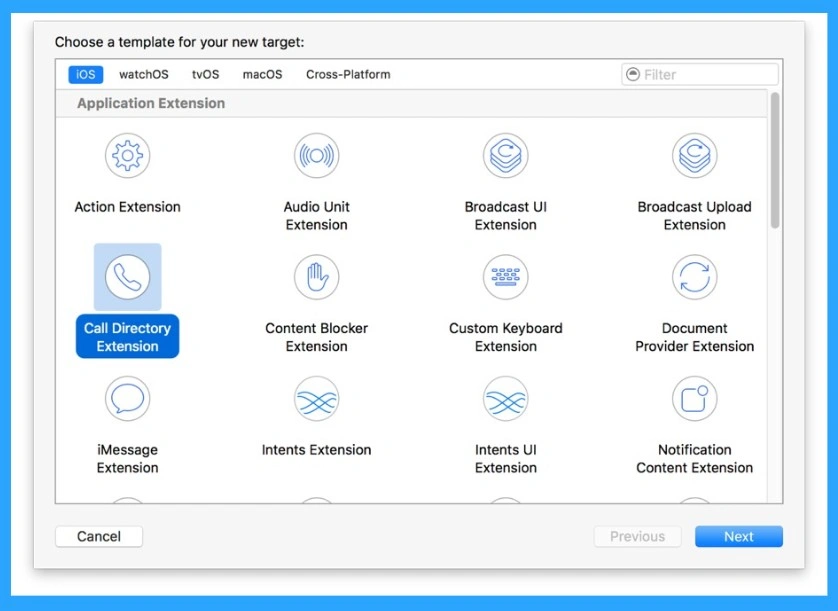
- Apple use call kit feature that helps us to resolve this issue because this tool show caller names from secure apps.
- How to Manage Outlook Out of Office Settings using Microsoft Graph API and PowerShell- A Complete Automation Guide
- Best way to Fix Classic Outlook Crashes using Intune PowerShell Remediation Script
- How to Fix Calendar Time Selection Issue in Outlook When Selecting Multiple Calendars and Timeslots
- Outlook for Mac Email Recall Tips for Resending and Fixing Email Errors
What are the Reasons Behind this Issue
Another reason is that exporting contacts from Outlook to the phone breaks security rules. Once contacts are exported, they are no longer protected. Other personal apps like WhatsApp or Google may read those contacts. This is a big privacy problem, especially in countries that follow strict laws like GDPR.
- This situation causes real problems for users.
- People cannot see who is calling them, so they may miss important work calls or take longer to respond.
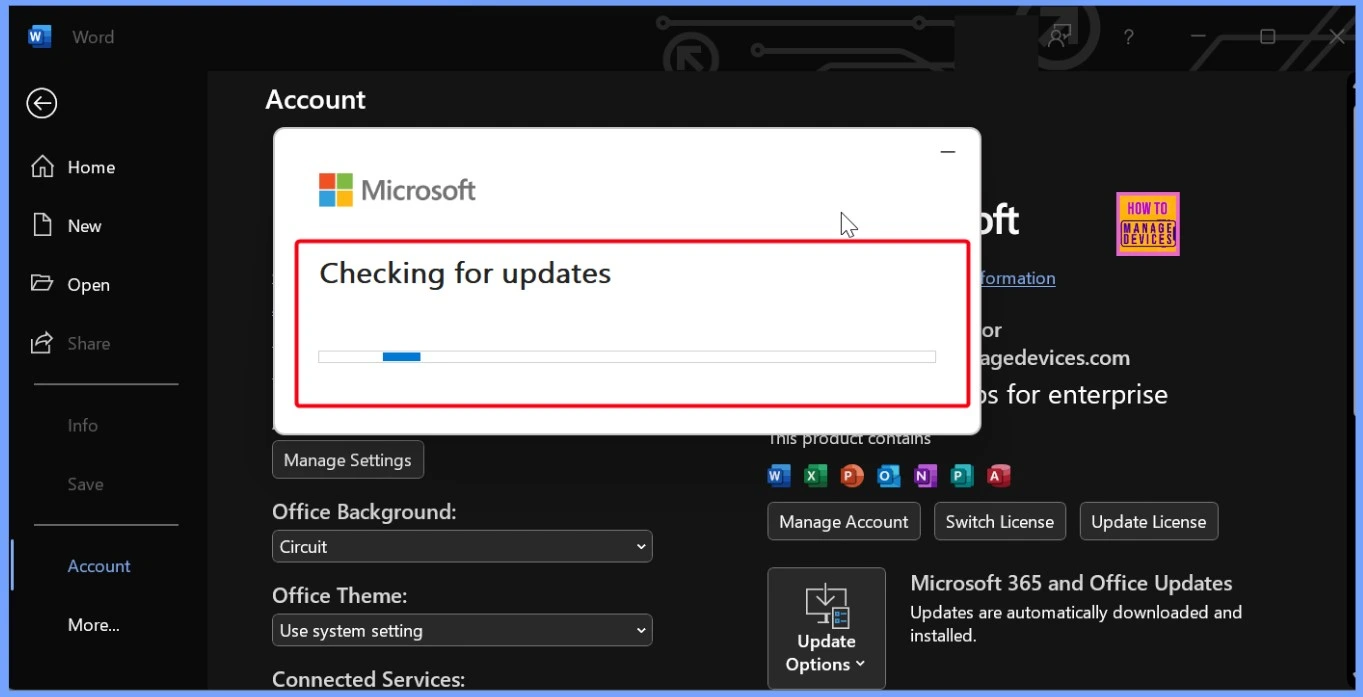
- The below screenshot is the error happens in the Windows when the Outlook updating time. If sometimes some update issues will lead for this type issues. Make sure that always.
See More: How to Fix Office Update Error Code 30094-27 in Classic Outlook for Windows
How to Resolve this Issue
As we all know that this situation is very difficult when you do not see any name of the caller. When the Outlook for iOS cannot show caller names directly, you can use a trusted third-party app like Secure Contacts or EBF Contacts. This is the one solution that we can do. I think Do does not export contacts from Outlook to the iPhone’s main Contacts app is another resolution for these situations.
| Solution | Info |
|---|---|
| Turn On Call Kit for Outlook | Outlook for iOS does not use Apple CallKit, which is the feature iPhones use to show caller names from secure apps. If the issue exists, you can use this method. |
| Update Outlook for iOS Regularly | This is the main cause of these types of errors. so be careful to the updates. Update Outlook for iOS Regularly will help you to resolve the issues. |
| Use Intune Policies Correctly | Make sure the company uses the right Intune settings for MAM or BYOD devices. Correct profiles help avoid accidental data leaks and control what apps can access work contacts. |
| Allow Contacts Access | This is the important step that we have to check. |
| Restart Your iPhone | A simple restart often refreshes CallKit and fixes caller ID issues. |
| Sign Out and Sign In Again | Sometimes Outlook needs to refresh your account information. |
Need Further Assistance or Have Technical Questions?
Join the LinkedIn Page and Telegram group to get the latest step-by-step guides and news updates. Join our Meetup Page to participate in User group meetings. Also, Join the WhatsApp Community to get the latest news on Microsoft Technologies. We are there on Reddit as well.
Author
Anoop C Nair has been Microsoft MVP from 2015 onwards for 10 consecutive years! He is a Workplace Solution Architect with more than 22+ years of experience in Workplace technologies. He is also a Blogger, Speaker, and Local User Group Community leader. His primary focus is on Device Management technologies like SCCM and Intune. He writes about technologies like Intune, SCCM, Windows, Cloud PC, Windows, Entra, Microsoft Security, Career, etc




Discussion